Points to Note:
- Please refrain from using an email address from a provider that you may not be able to use in the future due to changes in services or other reasons. We recommend three email service providers: Gmail, iCloud, and ProtonMail.
- To make a withdrawal, Email and Google Authentication are compulsory while SMS Authentication is not. Registration using an email address is recommended.
- Each email address and mobile number can only link to one account.
- Enter your mobile number after specifying the country code, and omit the leading zero. (For example, if your mobile number is 090-1234-5678, enter 9012345678.)
- Enter the information in single-byte alphanumeric characters. Do not use double-byte characters.
- Bybit does not offer services or products to users in a few excluded jurisdictions. For more information, please refer to Service Restricted Countries.
Mainnet account registration URL: http://www.bybit.com/app/register
Testnet account registration URL: https://testnet.bybit.com/app/register
You can register using your (1) email address or (2) mobile number
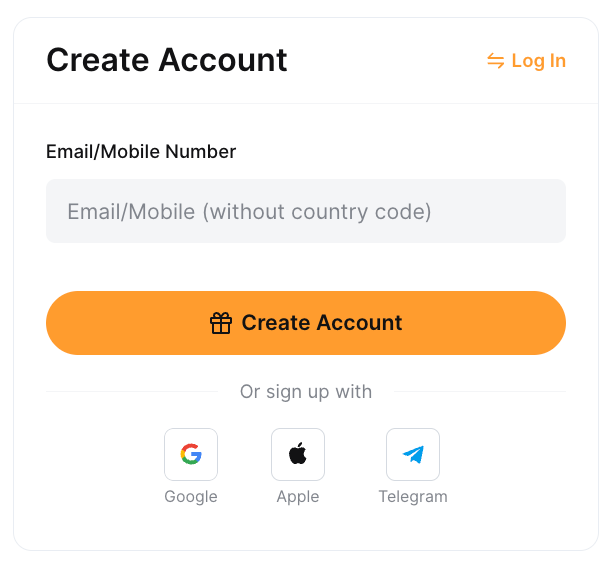
Step 1: Choose to register using Email or Mobile phone number. Please enter your email or mobile number + country code, and preferred password accordingly.
Note:
— Clicking on the Sign Up with Google will use the email address linked to your Google account for your Bybit account creation.
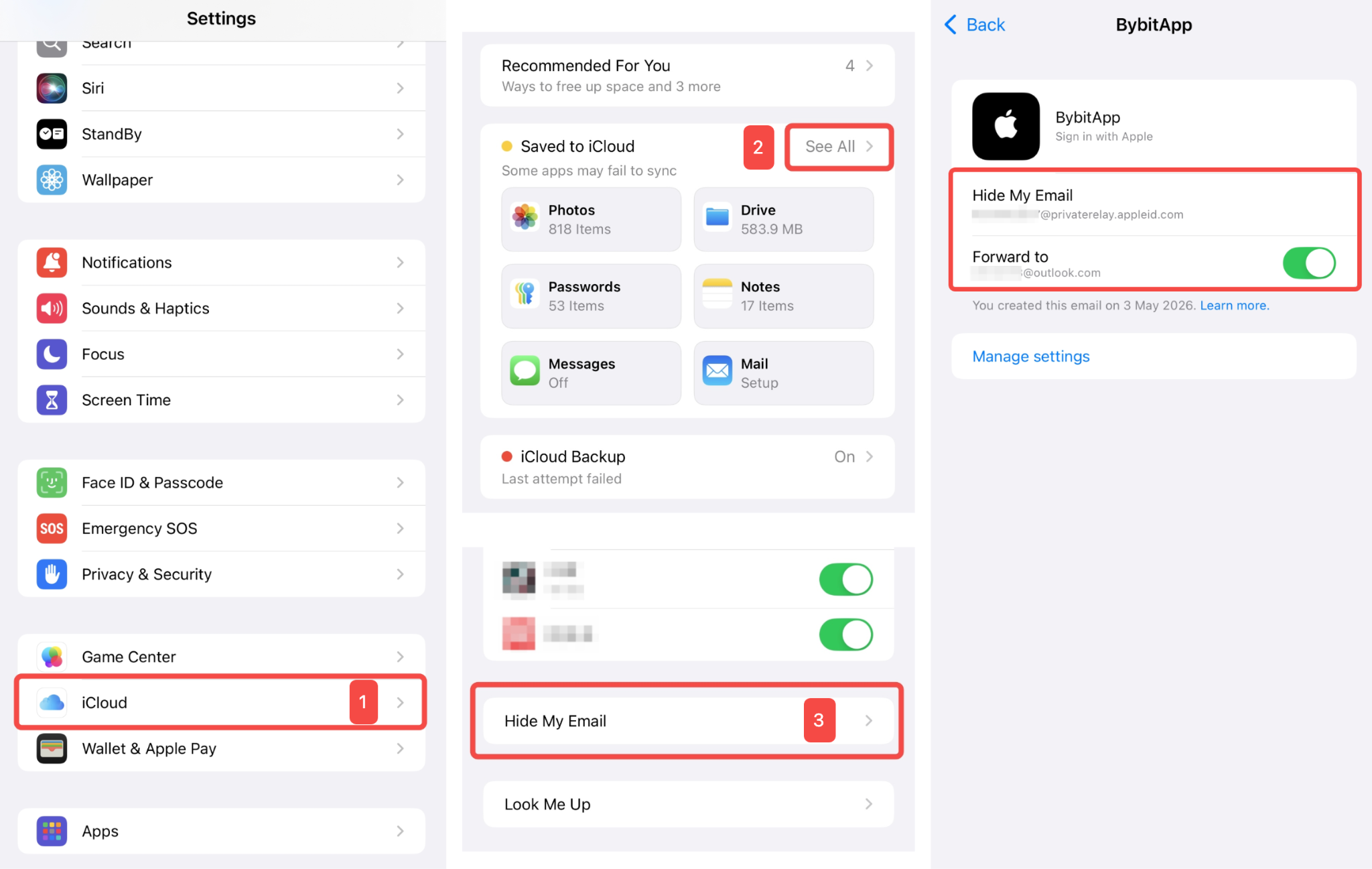
— Clicking on the Sign Up with Apple will use your email address linked to your Apple ID for your Bybit account creation (Share My Email). If you have selected Hide My Email for the registration, Apple will create a unique, random email address with @privaterelay.Appleid.com domain for registration. To check your @privaterelay.Appleid.com email address, go to the iPhone Settings page, navigate to iCloud → See All → Hide My Email. Locate the BybitApp page, and you will be able to find the Hide My Email email address and Forward to email address (original email address).
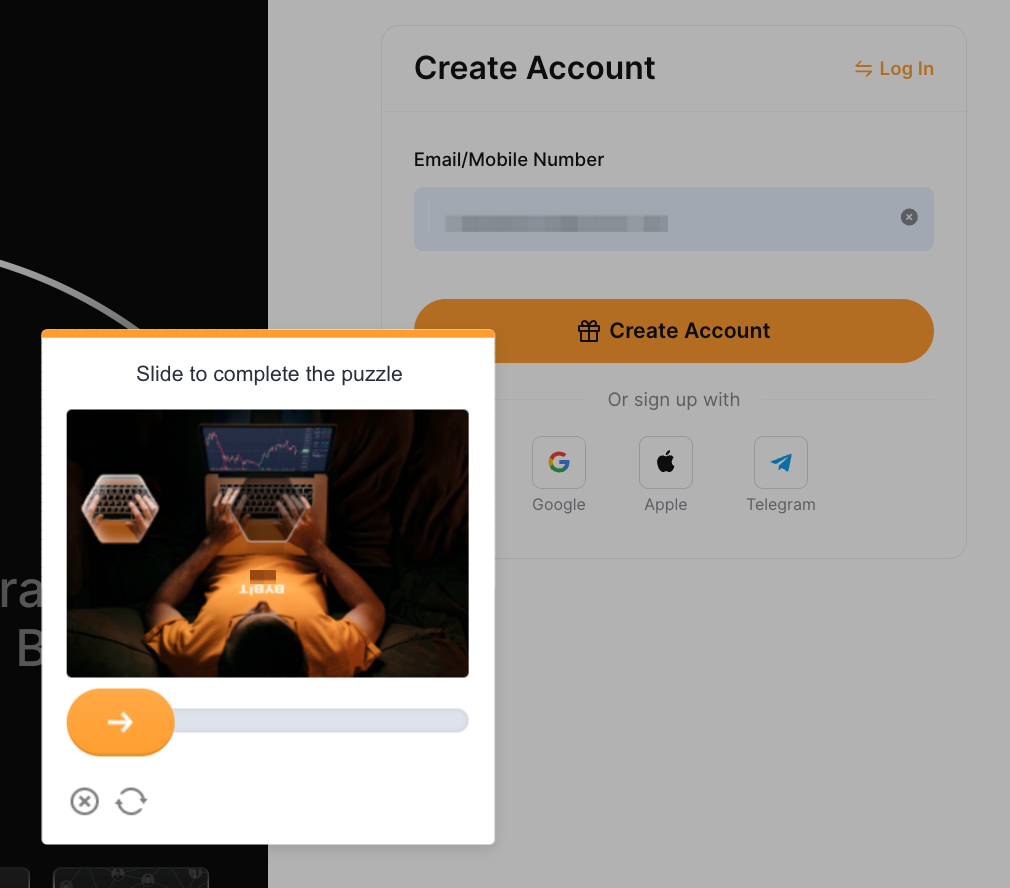
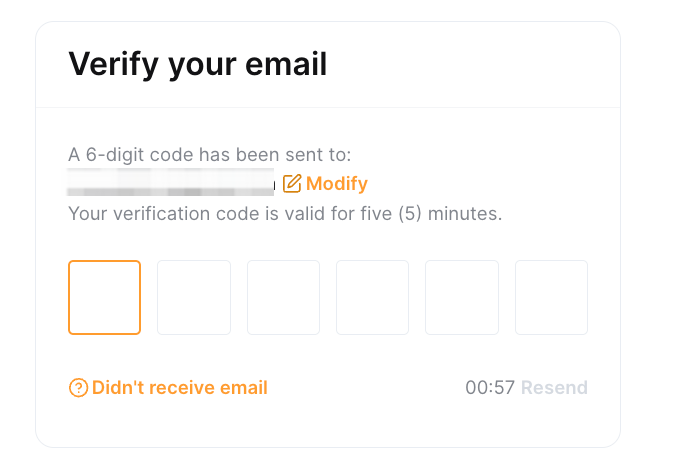
Step 2: Complete the recaptcha verification and enter the verification code sent to your email inbox (email registration) or SMS code sent to your mobile number (mobile registration).
If you do not receive the email, please check if it has been sent to your spam/junk mail box.
You have successfully registered an account on Bybit!