How to Stake BTC on Babypie With Bybit Web3 Wallet
AI Summary
Show More
Quickly grasp the article's content and gauge market sentiment in just 30 seconds!
You can use your Bybit Web3 Wallet to deposit BTC on Babypie. In addition, you can use it as your BTC wallet and another wallet, like MetaMask, for your Ethereum wallet.

How to Stake BTC on Babypie With Bybit Web3 Wallet
Step 1: Download the Bybit Wallet extension and set up your account. Click on Create a Bybit Web3 Wallet to proceed.
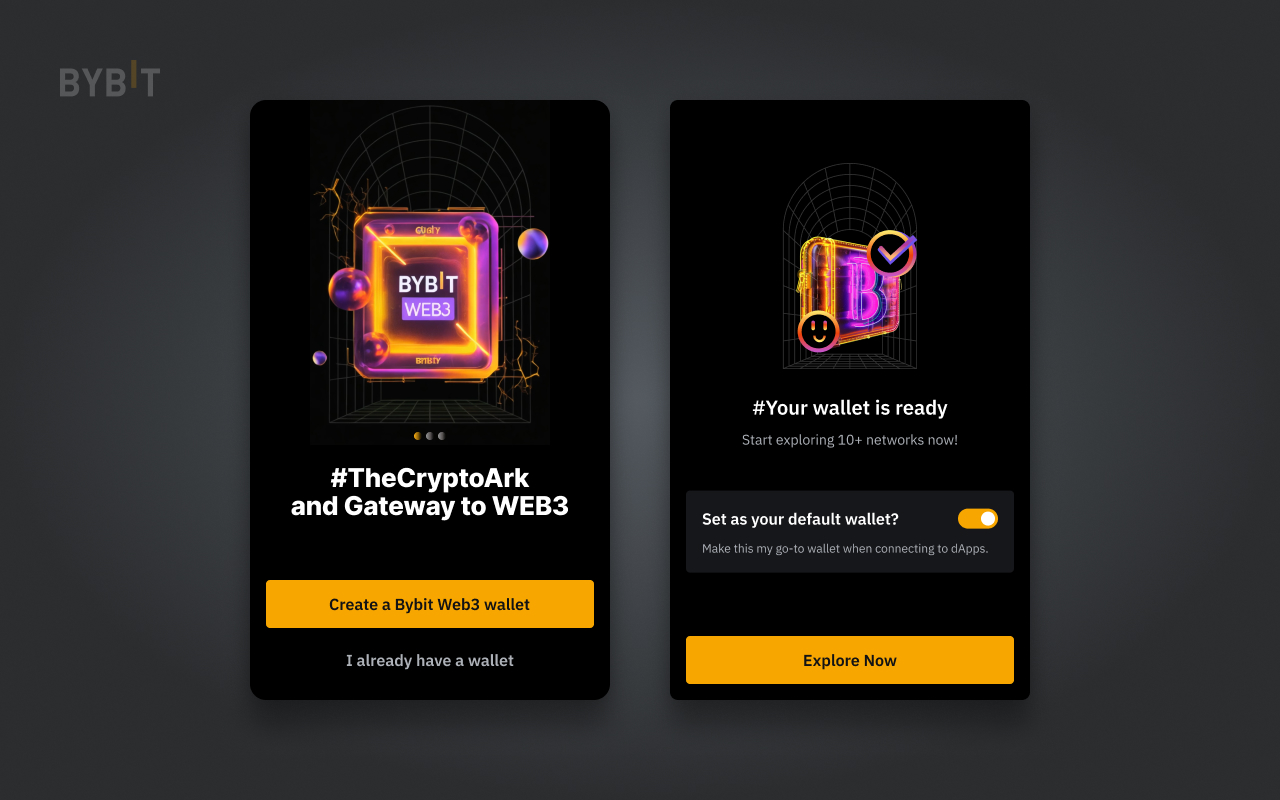
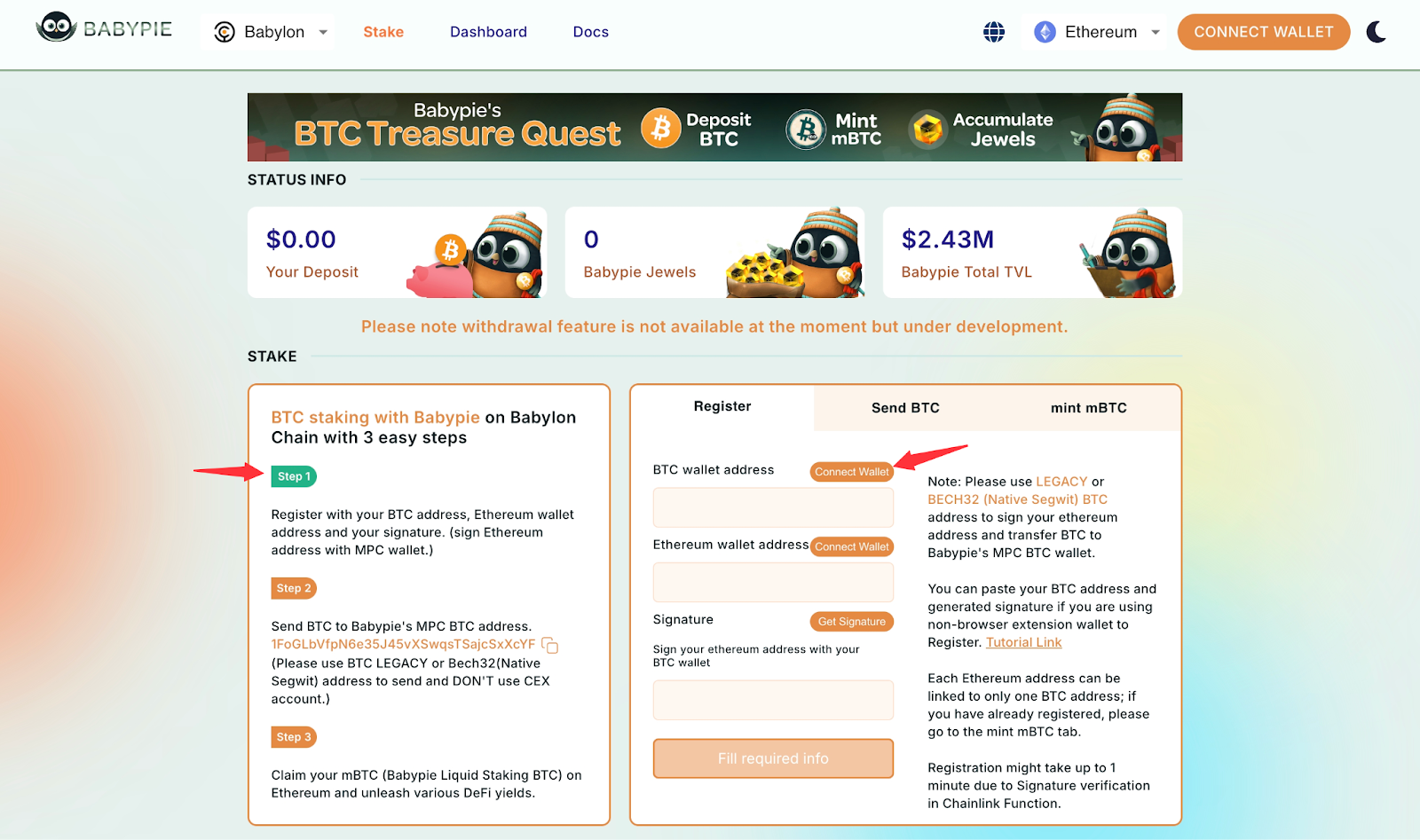
Step 2: Once your Bybit Web3 Wallet is ready, enter the Babypie website.
Step 3: Click on Connect Wallet and select Bybit to connect your Bybit Web3 Wallet.
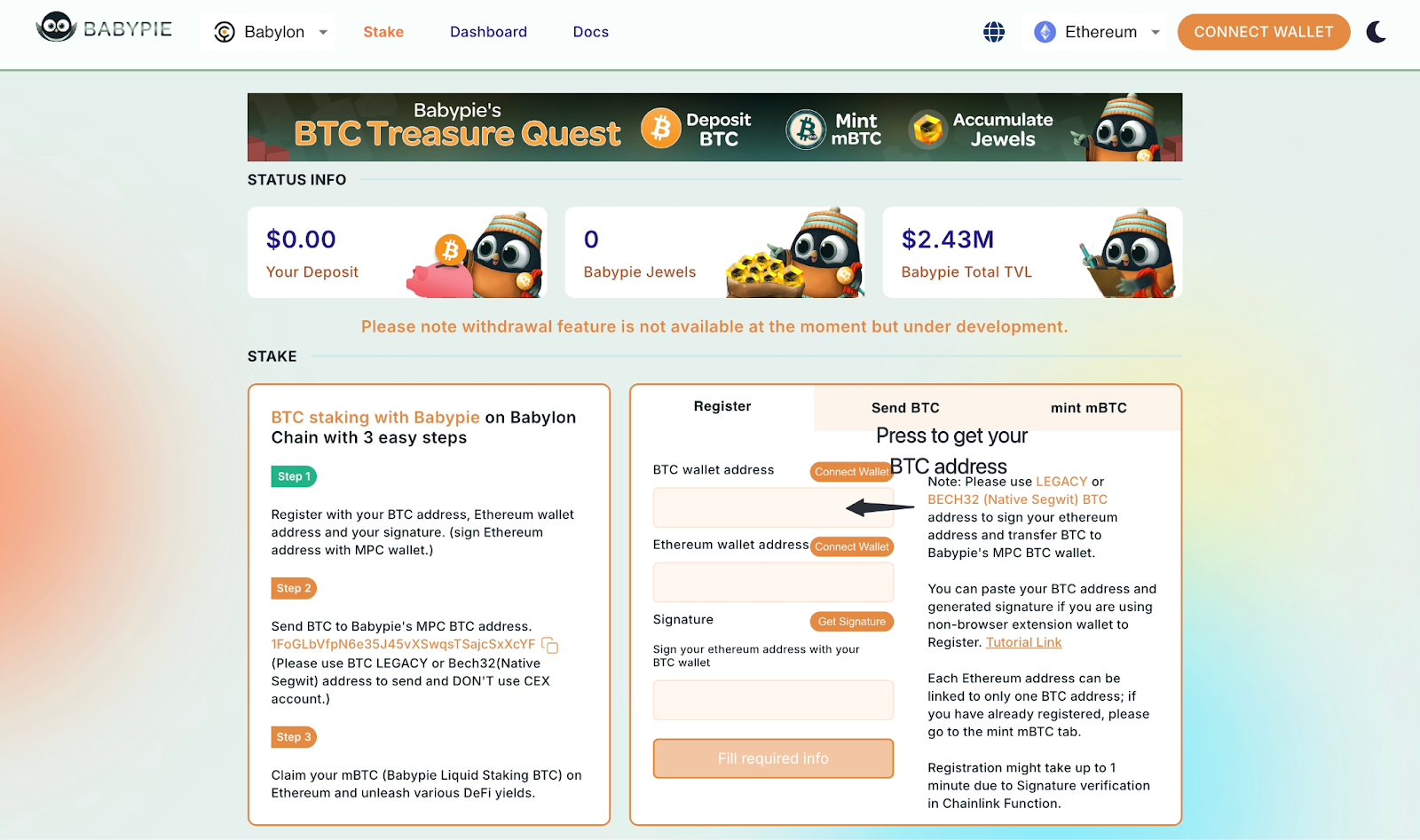
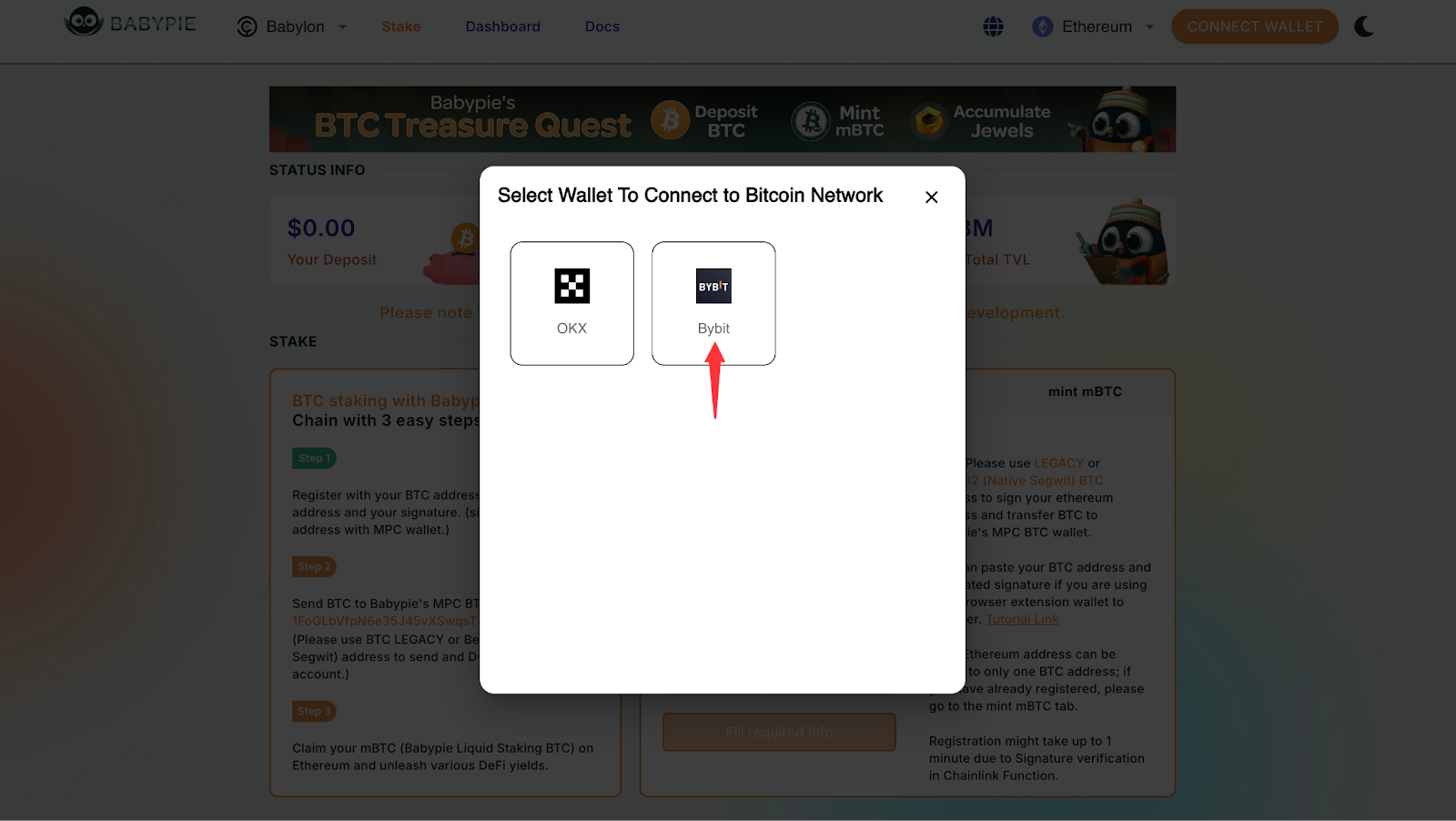
Step 4: Input your BTC address or click on Get Address. Your Bybit Web3 Wallet BTC address will then fill the field space.
Note: Make sure the BTC address type is either LEGACY or Native Segwit. You can select the correct one through your BTC address on the wallet. You’ll need to use the same type of Bitcoin address for both registration and deposits on Babypie.
Example: If User A registers with a LEGACY Bitcoin address, User A must also use a LEGACY address to transfer BTC to Babypie's BTC address.
#LearnWithBybit
Grab Up to 100 USDT in Rewards
Also, enjoy 555% APR on Bybit Earn products!