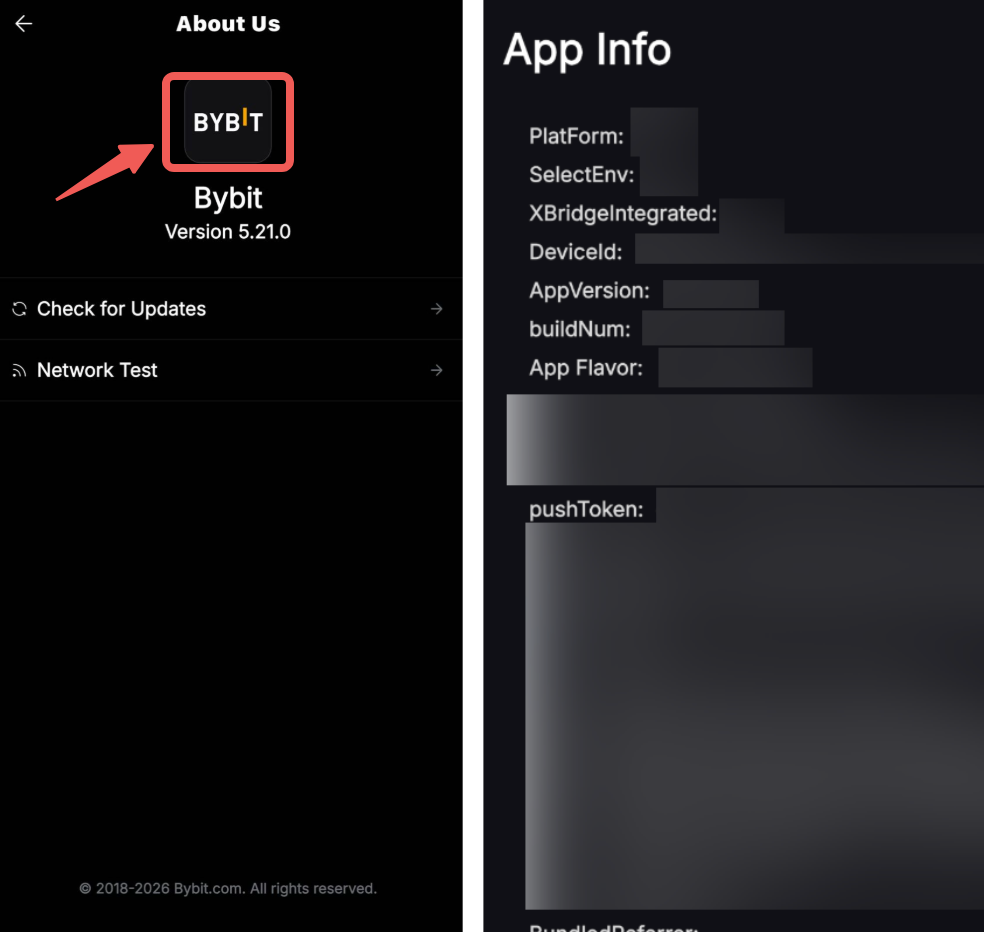
Step 1: Launch the Bybit App and, in the top-left corner, tap your Profile icon.

Step 2: Next, select About Us.

Step 3: On the About Us screen, you can view your current app version.

Step 4: To check more information about the App version, double-tap the Bybit logo to view additional details about the App.