How to Complete Catizen Bybit Wallet Check-In for Bybit Web3 Airdrop Arcade
Beginner
web3AI Summary
Show More
Quickly grasp the article's content and gauge market sentiment in just 30 seconds!
Detailed Summary
In this tutorial, we’ll explore how you can complete Catizen Bybit Wallet check-in for Bybit Web3 Airdrop Arcade.

Task: Complete Bybit Wallet Check-In
Step 1: Navigate to the Catizen Game Center through the Bybit Web3 Wallet campaign landing page.
Step 2: Locate the Bybit Wallet Check-In task and tap Go.
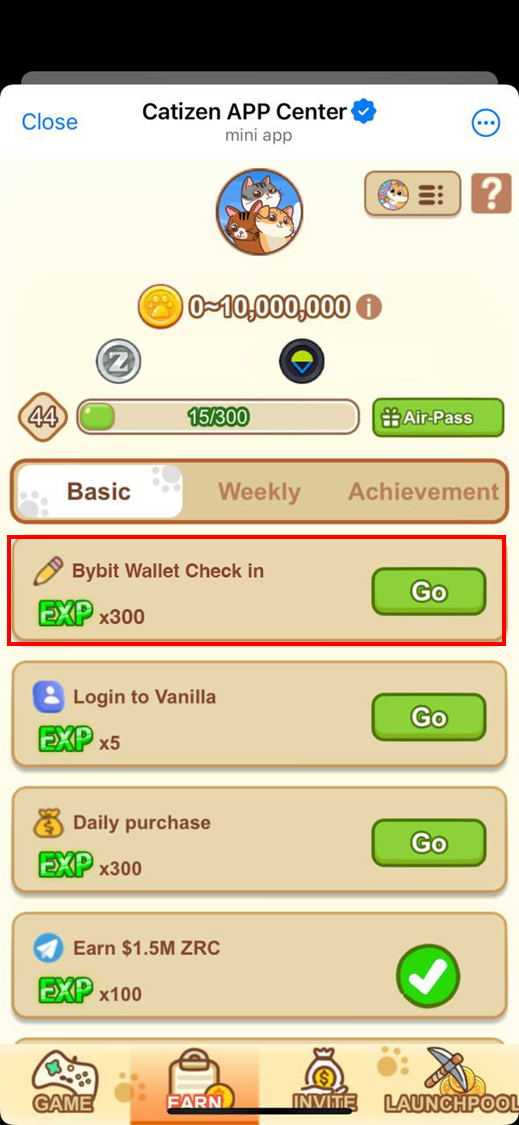
Step 3: Follow the redirect link to connect your Bybit Wallet.
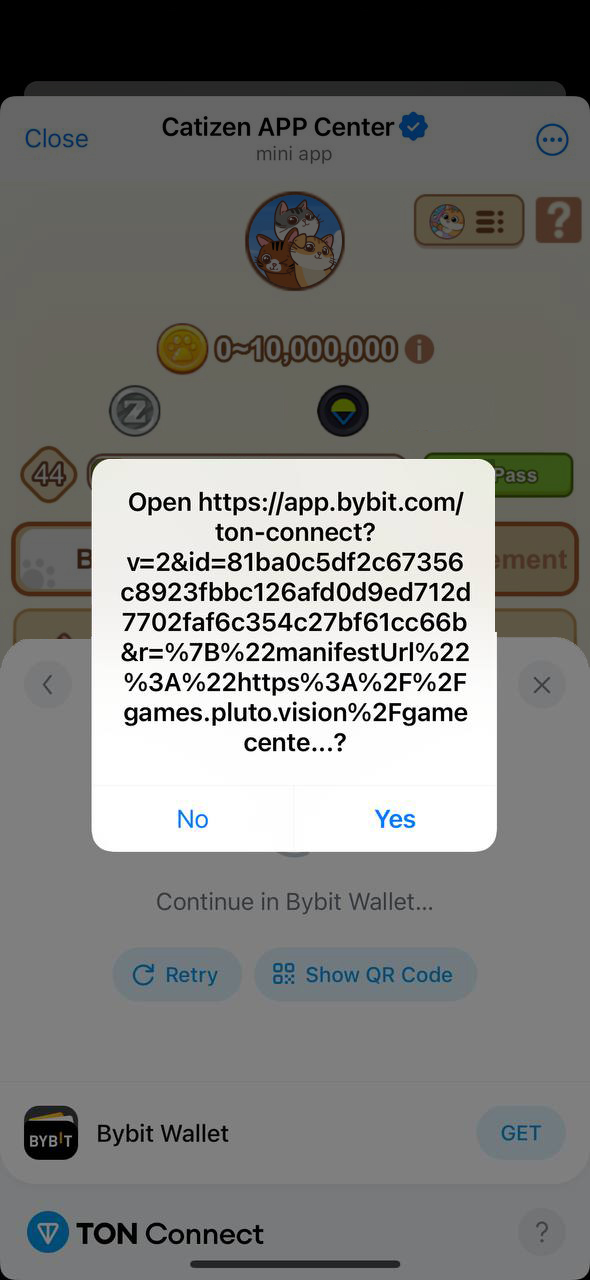
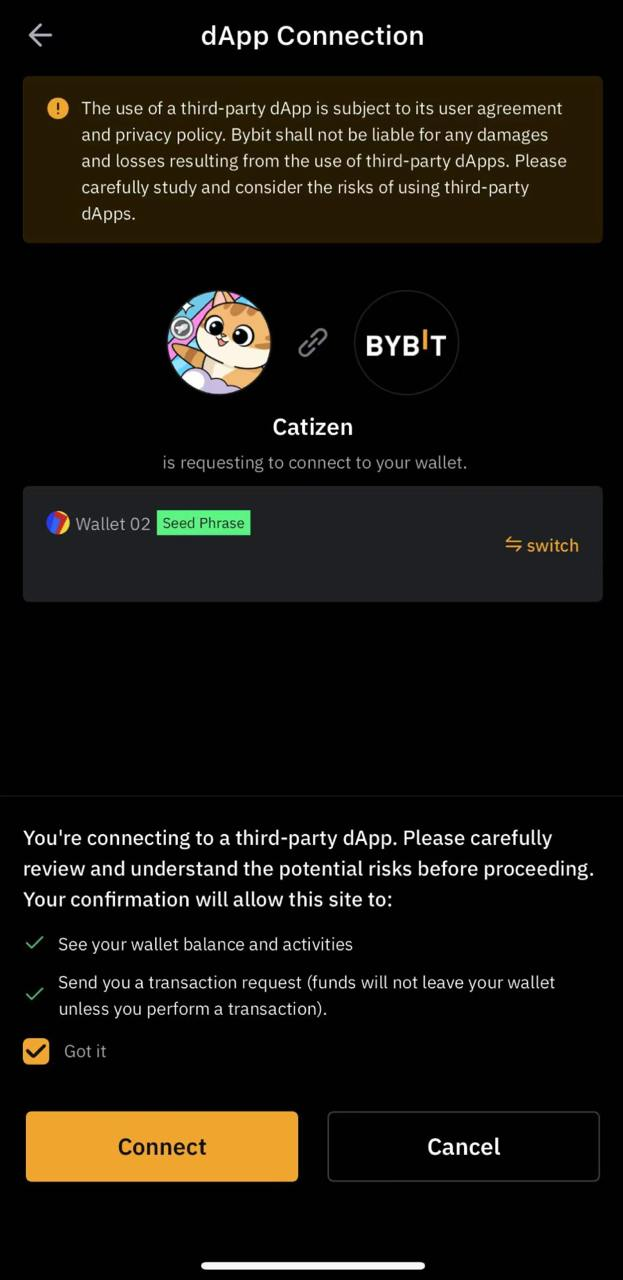
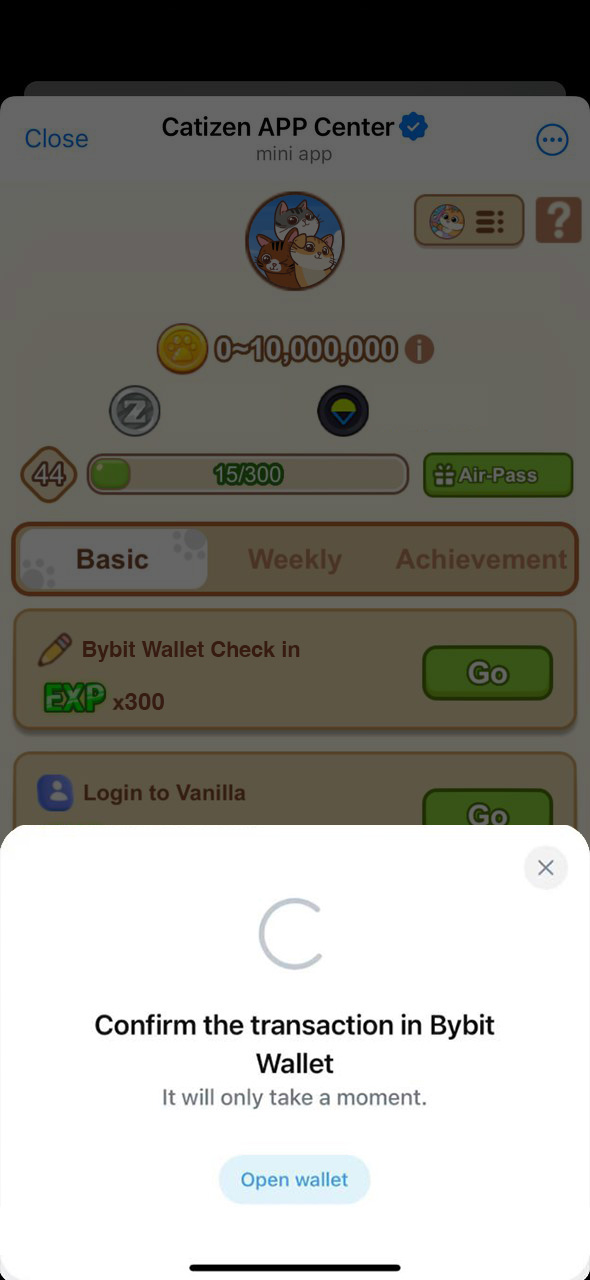
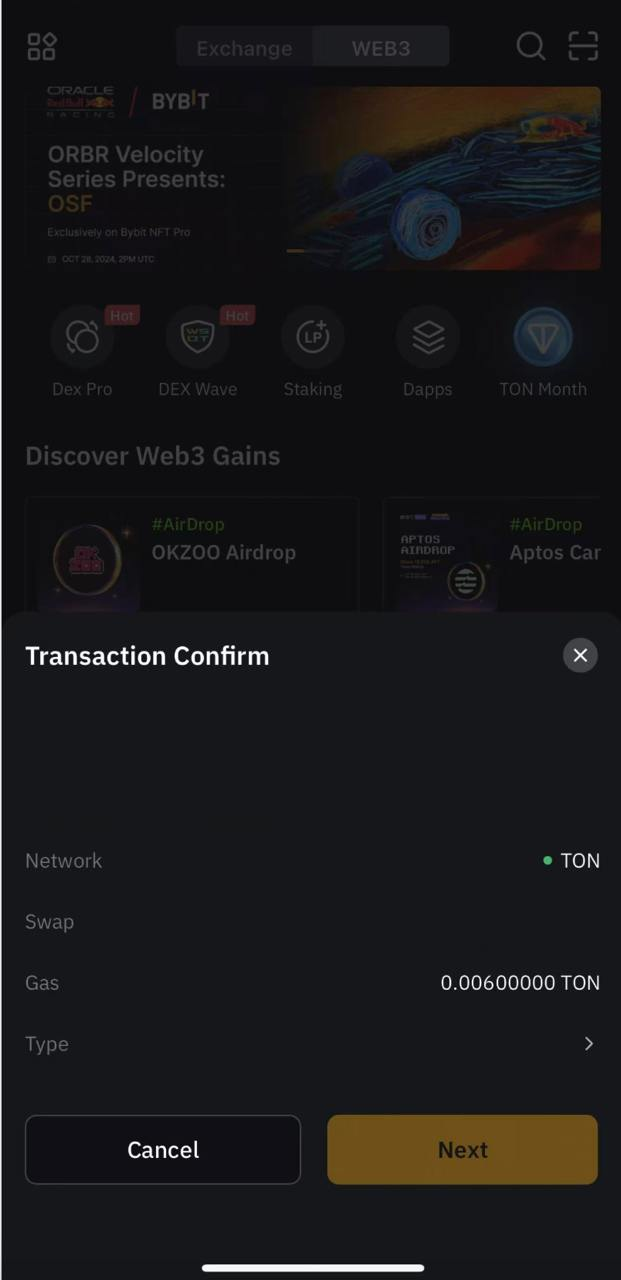
Step 4: Open your Bybit Wallet again, pay the required gas fee, and complete the Bybit Wallet check-in.
#LearnWithBybit
Grab Up to 100 USDT in Rewards
Also, enjoy 555% APR on Bybit Earn products!