How to Create a MONGY Meme and Join MONGY’s First Mission
AI Summary
Show More
Quickly grasp the article's content and gauge market sentiment in just 30 seconds!
In this tutorial, we’ll show you how you can create your own MONGY meme and join MONGY’s first mission.

Task 1: Create Your MONGY Meme
Step 1: Click on Start on the Bybit Web3 Airdrop Arcade project page to navigate to the MONGY MEME MAKER page.
Step 2: Click on Connect Wallet to connect your Bybit Wallet. Please ensure that you’re connected to the Solana network.
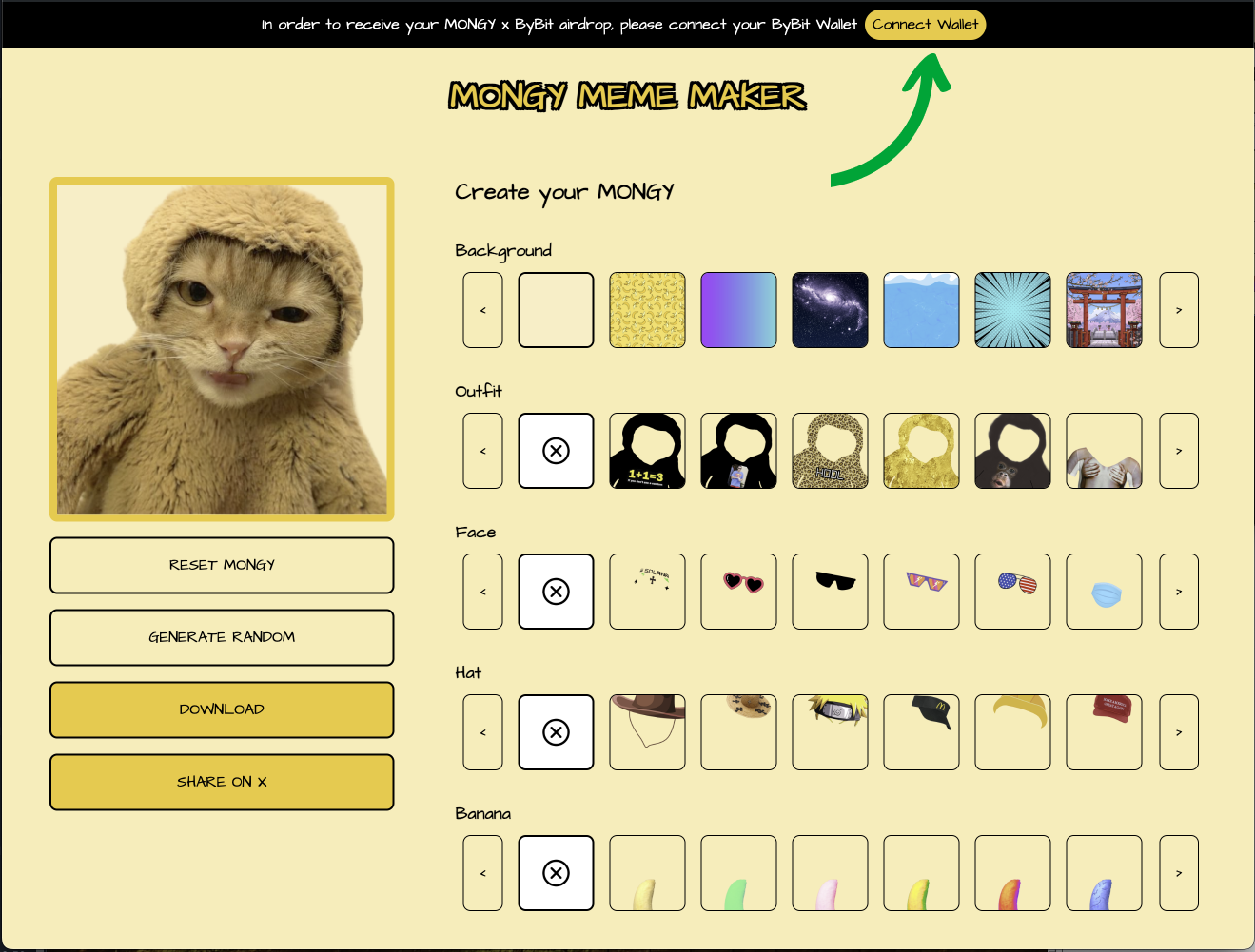
Step 3: You can now create your MONGY meme by choosing your background, outfit, face, hat and banana. You may also choose to click on GENERATE RANDOM to randomize your MONGY meme.
Step 4: Once you’ve customized your MONGY meme, click on DOWNLOAD to download your MONGY picture. Feel free to use it as your PFP.
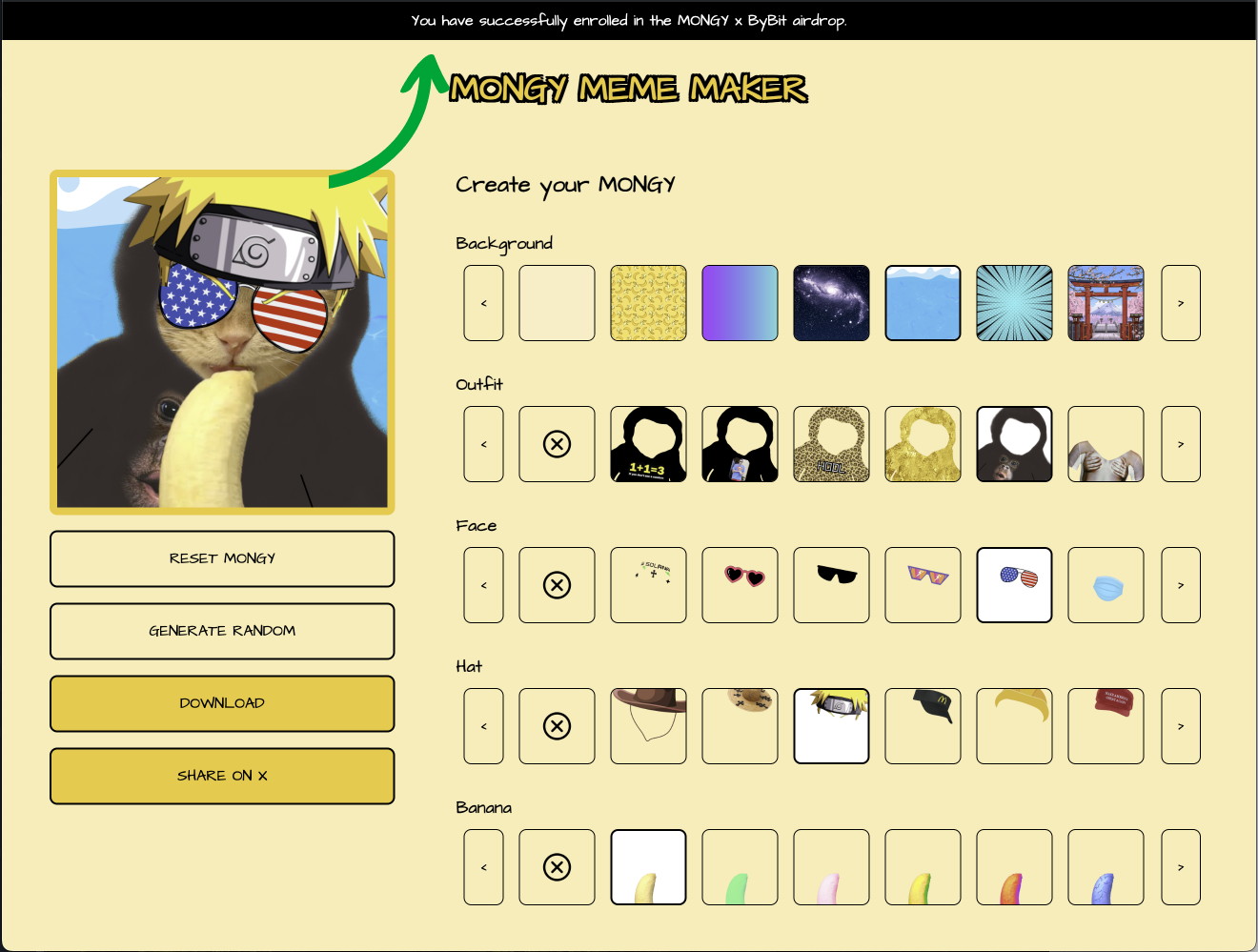
Congratulations! You’ve successfully created your own MONGY meme! You should see a notification of your completion at the top of the MONGY MEME MAKER page, as well as on your Bybit Web3 Airdrop Arcade project page.
Task 2: Join MONGY’s First Mission — Journey to Bune Galaxy
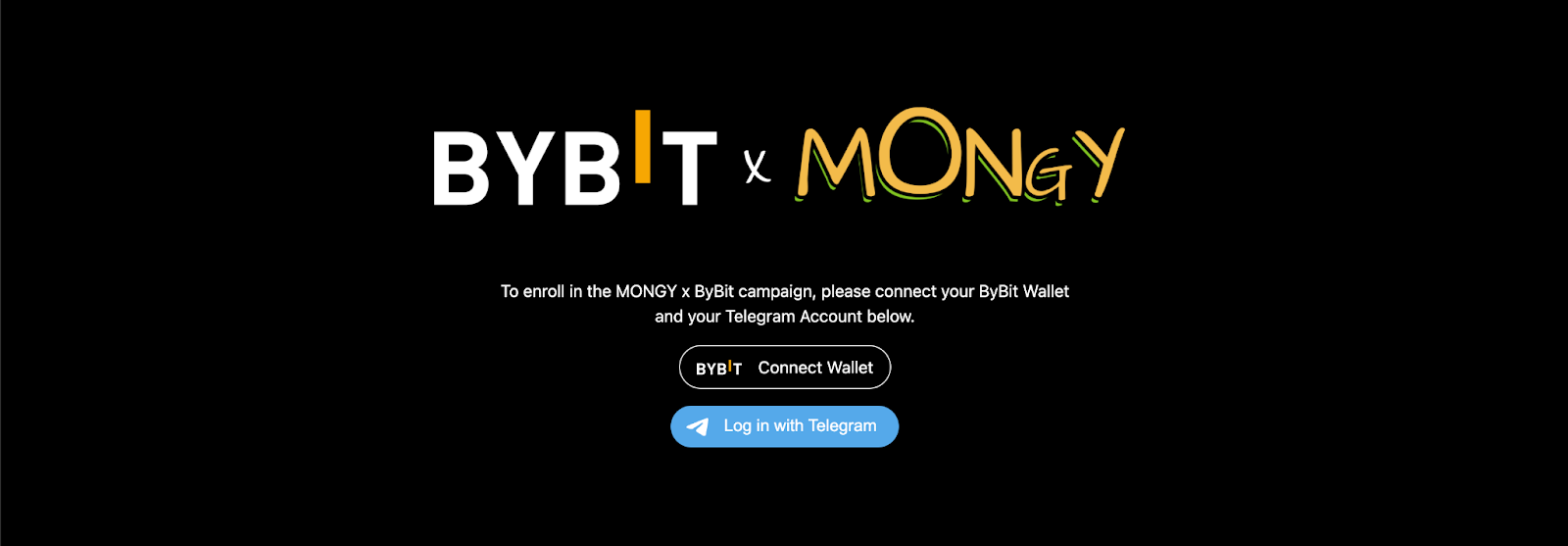
Step 1: Navigate to the Bybit x MONGY page by clicking on the Start button of the corresponding task on the Bybit Web3 Airdrop Arcade project page. Then, connect your Telegram account and Bybit wallet.
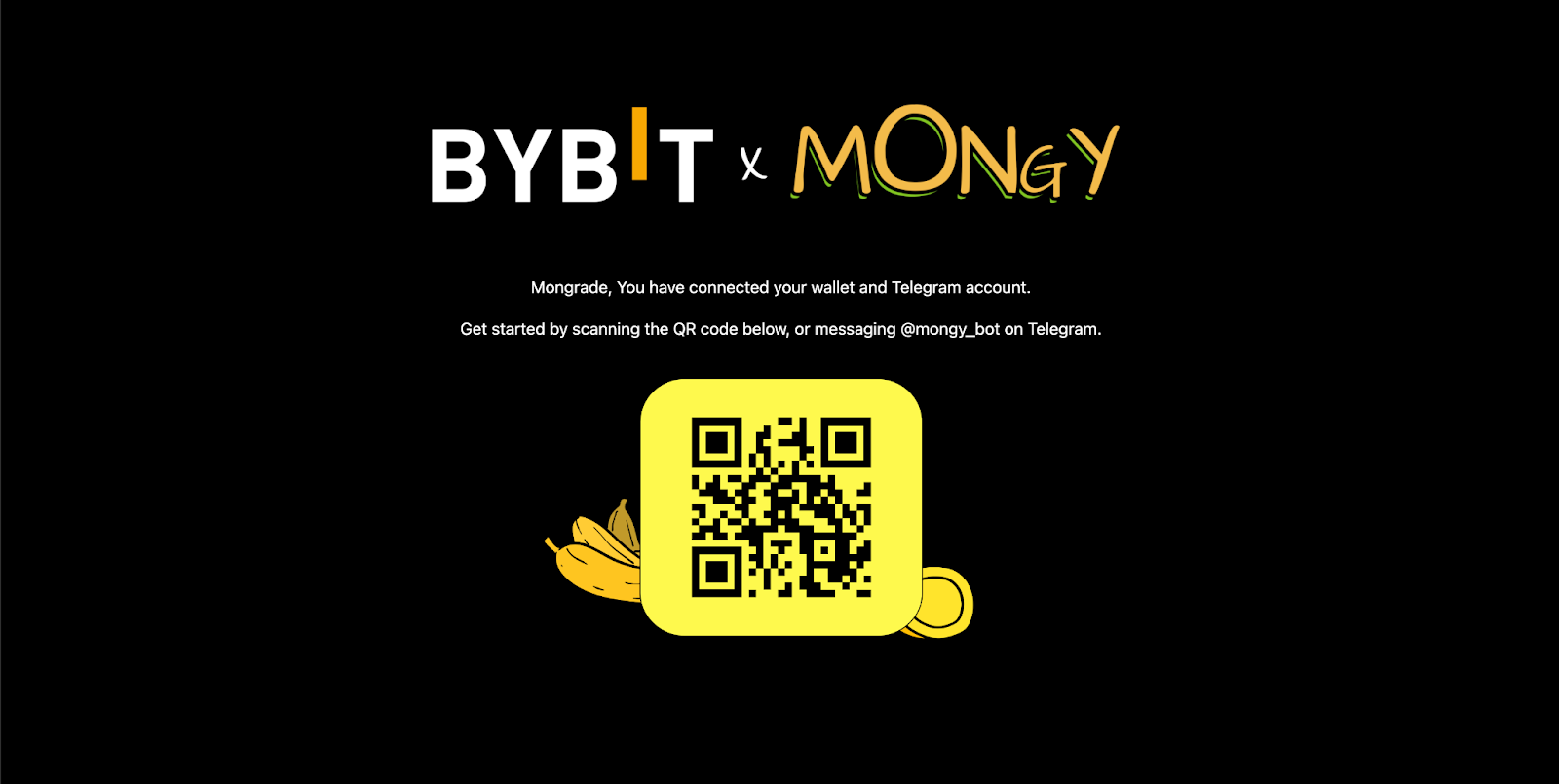
Step 2: Scan the QR code shown on the screen, or go to @mongy_bot in Telegram and tap on the Start button at the bottom of the screen.
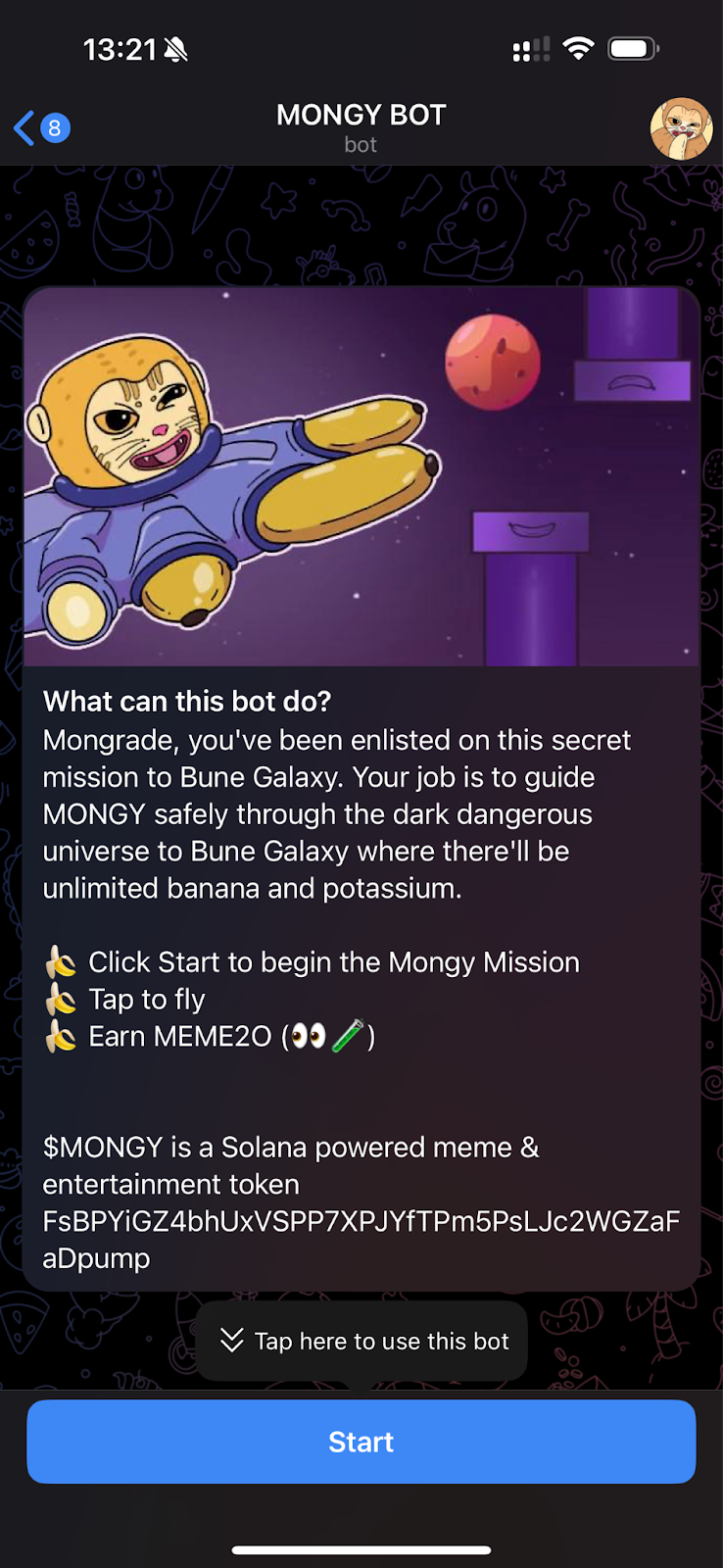
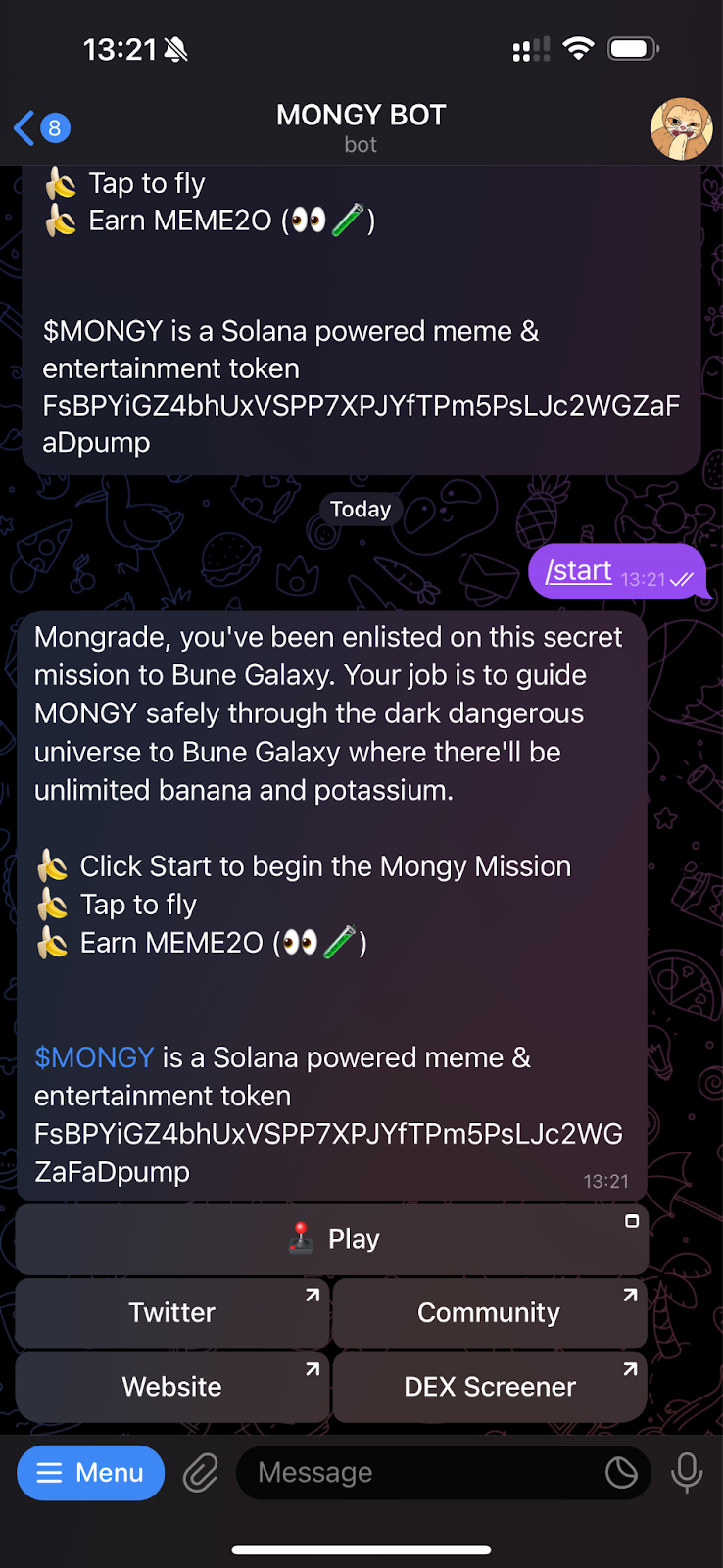
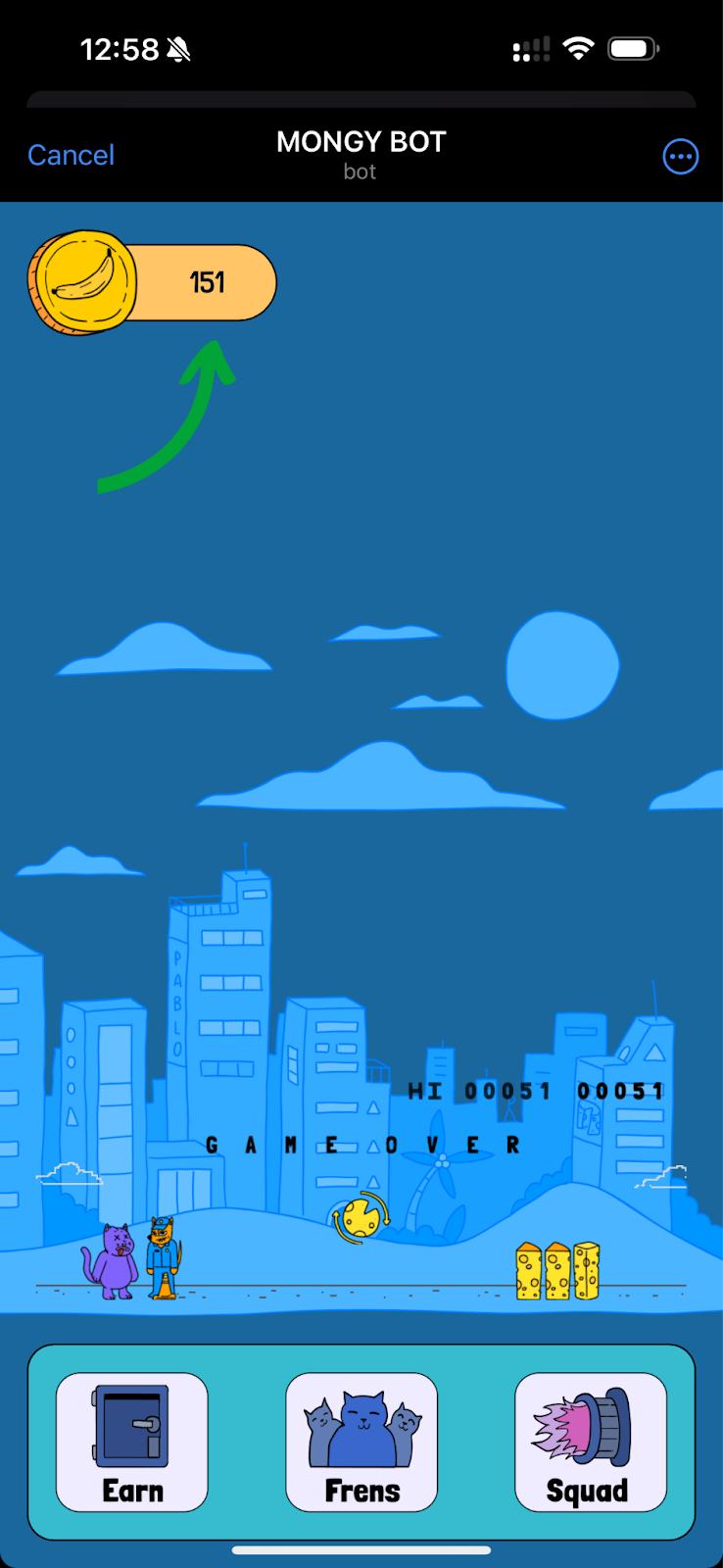
Step 3: Collect a total of 500 MEME2O points (your total score is shown on the top left) to complete this task.
Hint: You can collect points by playing the game, completing tasks or inviting friends.
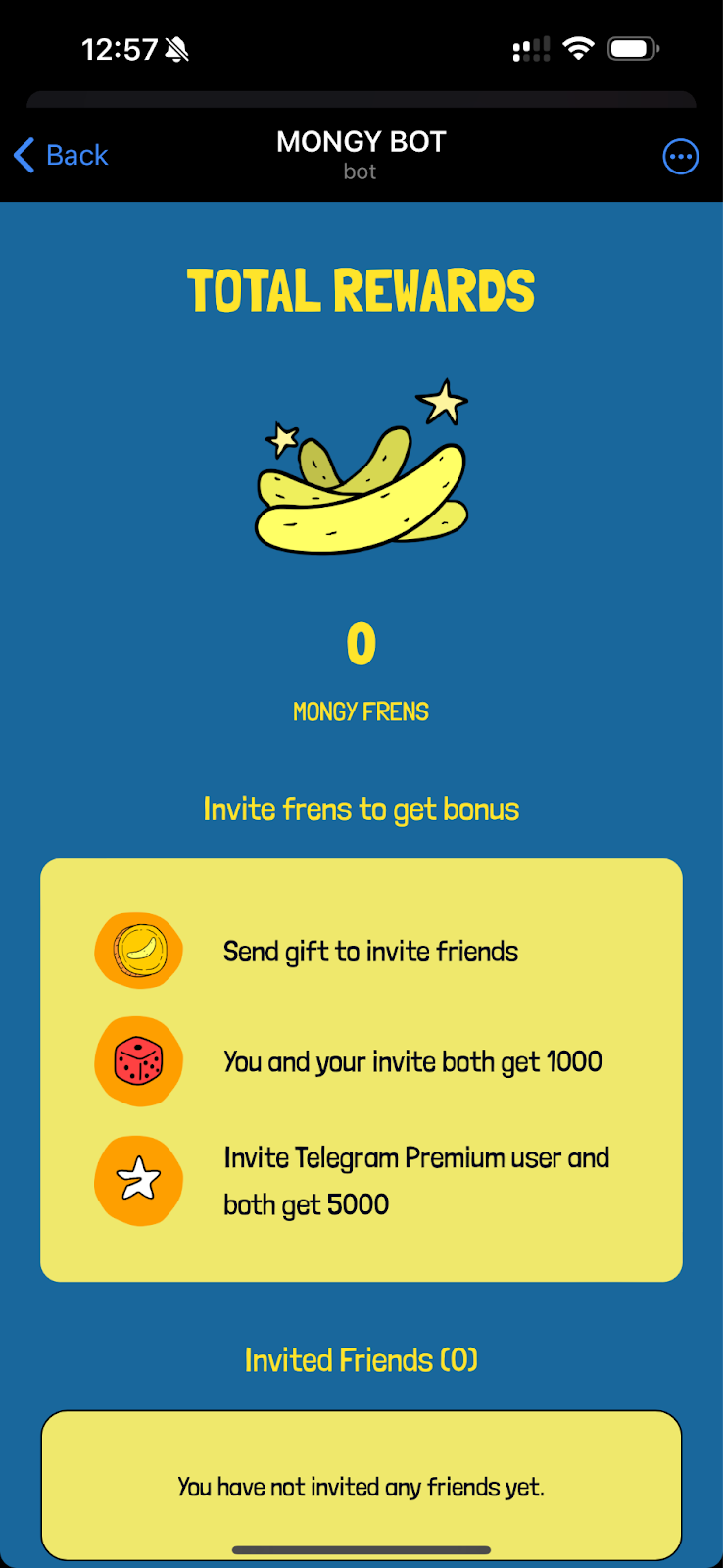
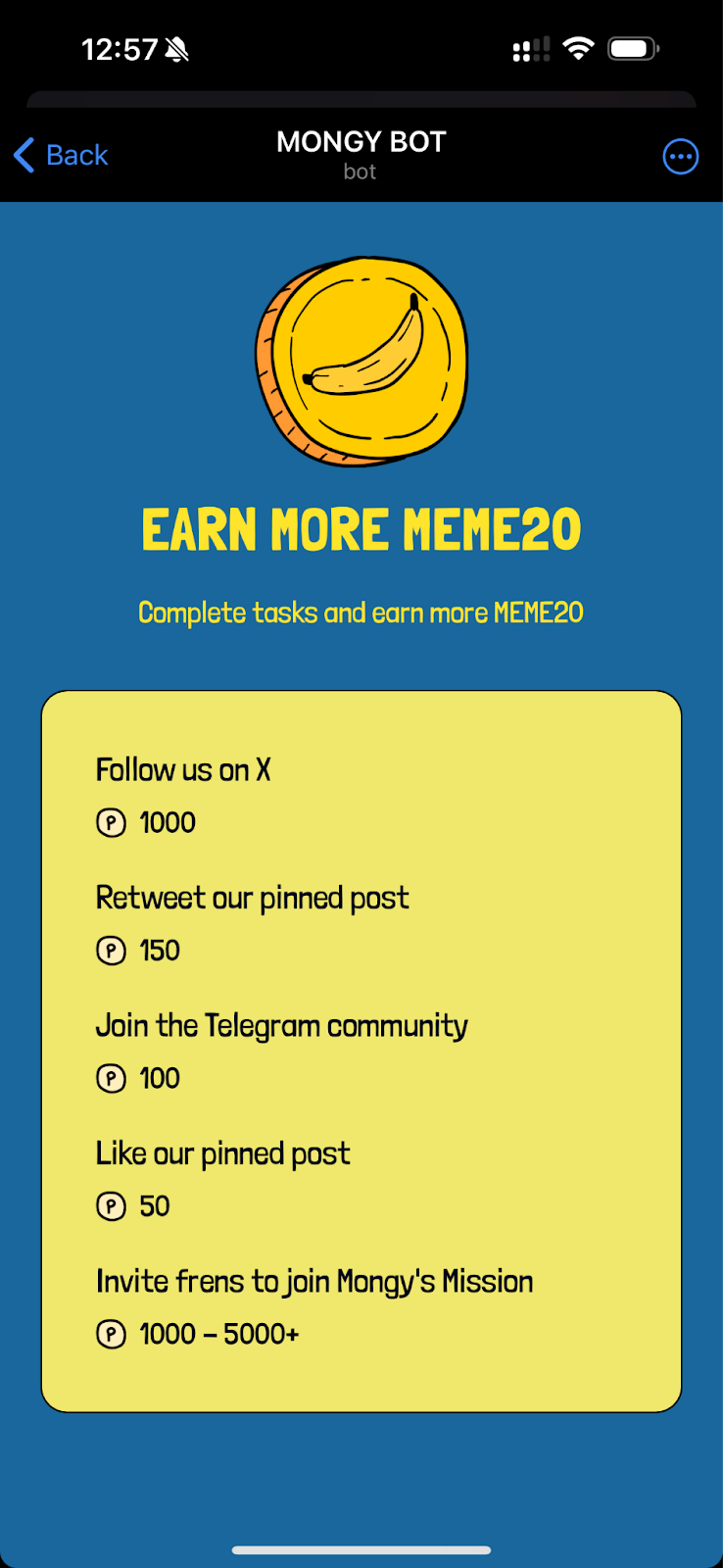
Step 4: Once you’ve collected the required amount of points, please head back to the Bybit Web3 Airdrop Arcade project page to ensure the task is completed.
#LearnWithBybit
Grab Up to 100 USDT in Rewards
Also, enjoy 555% APR on Bybit Earn products!