How to Complete Sonic Tasks for Bybit Web3 Airdrop Arcade
AI Summary
Show More
Quickly grasp the article's content and gauge market sentiment in just 30 seconds!
In this tutorial, we’ll explore how you can complete Sonic tasks for Bybit Web3 Airdrop Arcade.

Task 1: Check In
Step 1: Navigate to the Sonic platform and click on Connect Wallet at the top right corner.
Step 2: Log in with your Bybit Wallet.
Step 3: Head to the Odyssey Task Center page and click to enter the Check-In task.
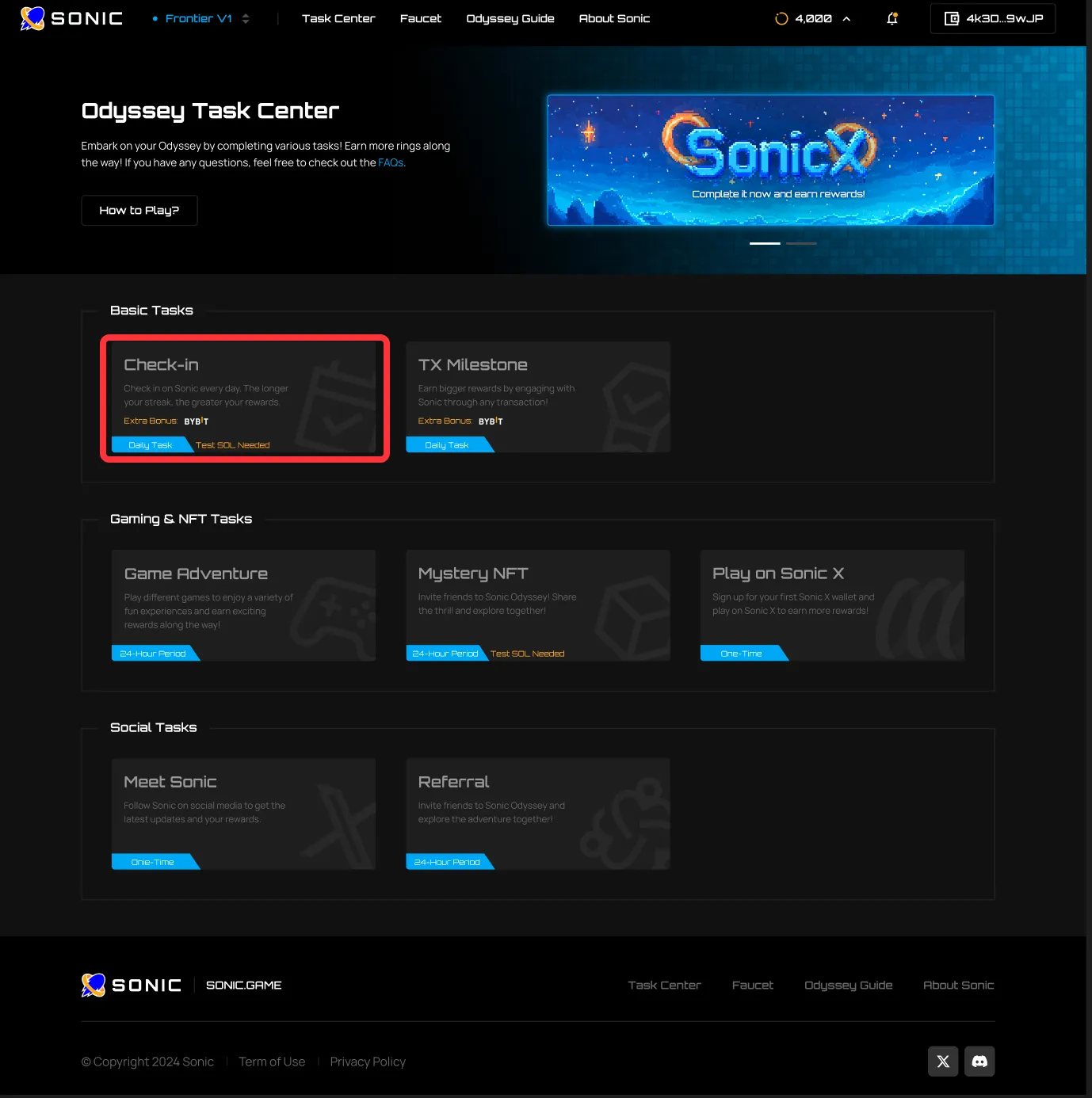
Step 4: Request Test SOL on Testnet Frontier V1 here.
Step 5: Click on the Check-In button and sign the transaction to complete the task.
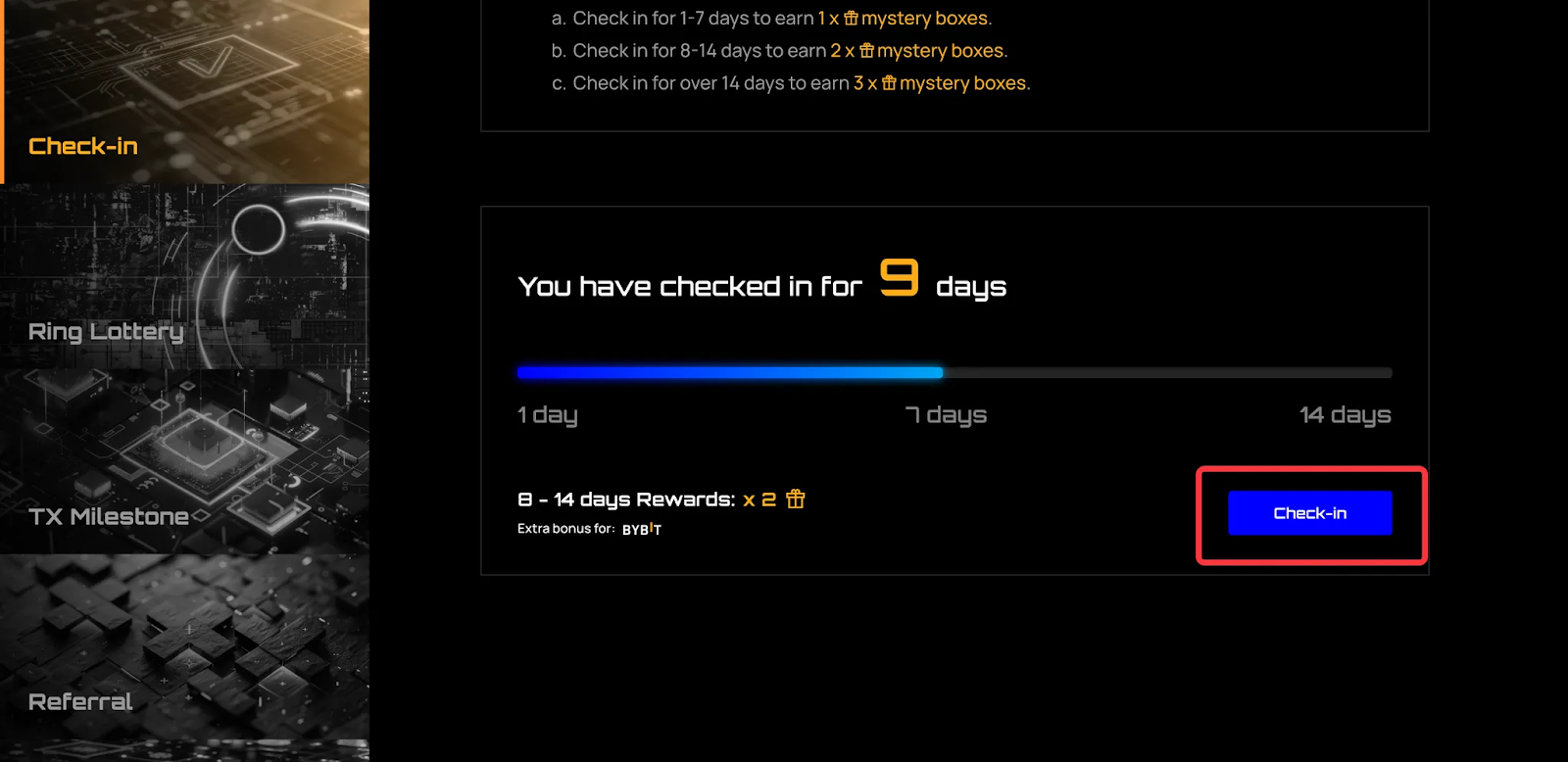
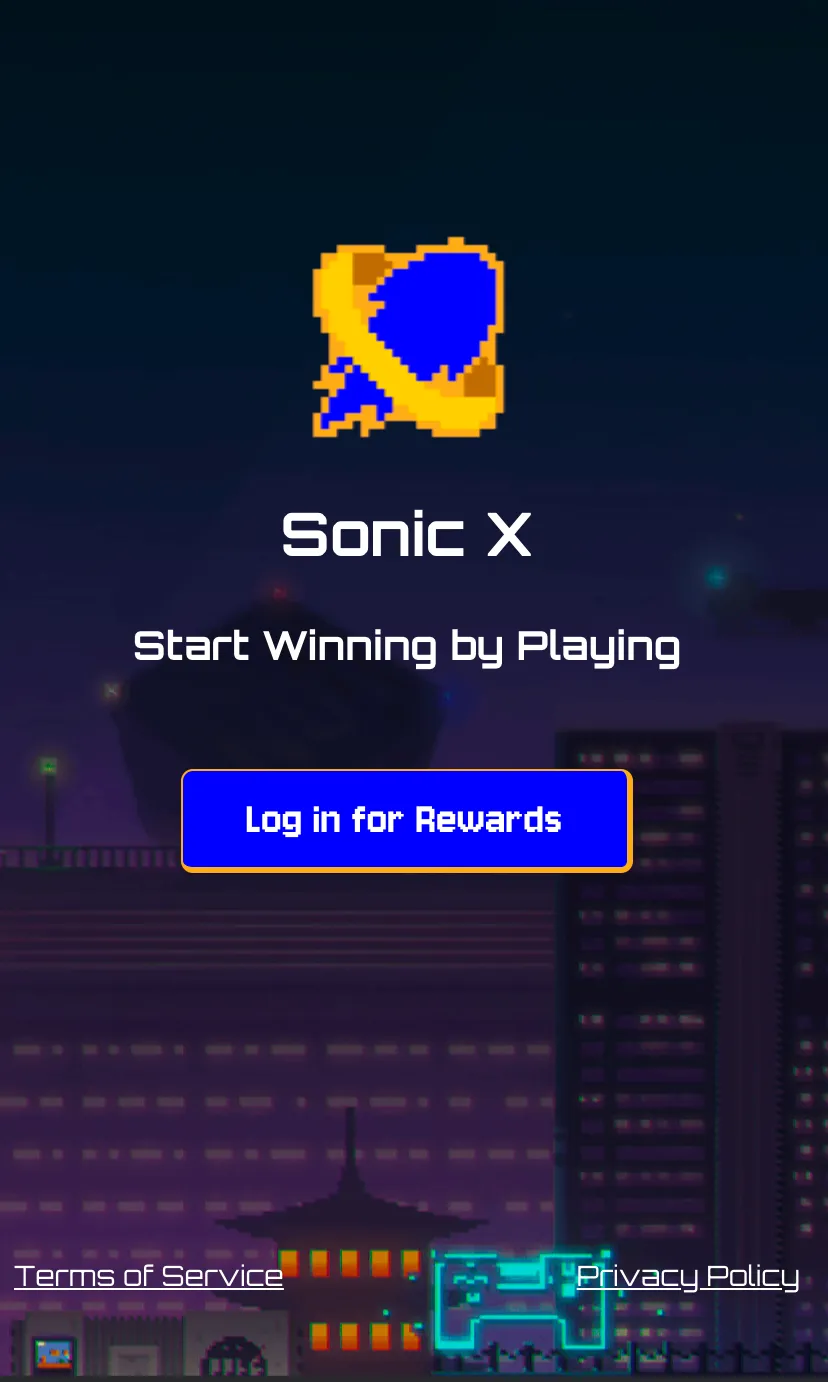
Task 2: Play on Sonic X
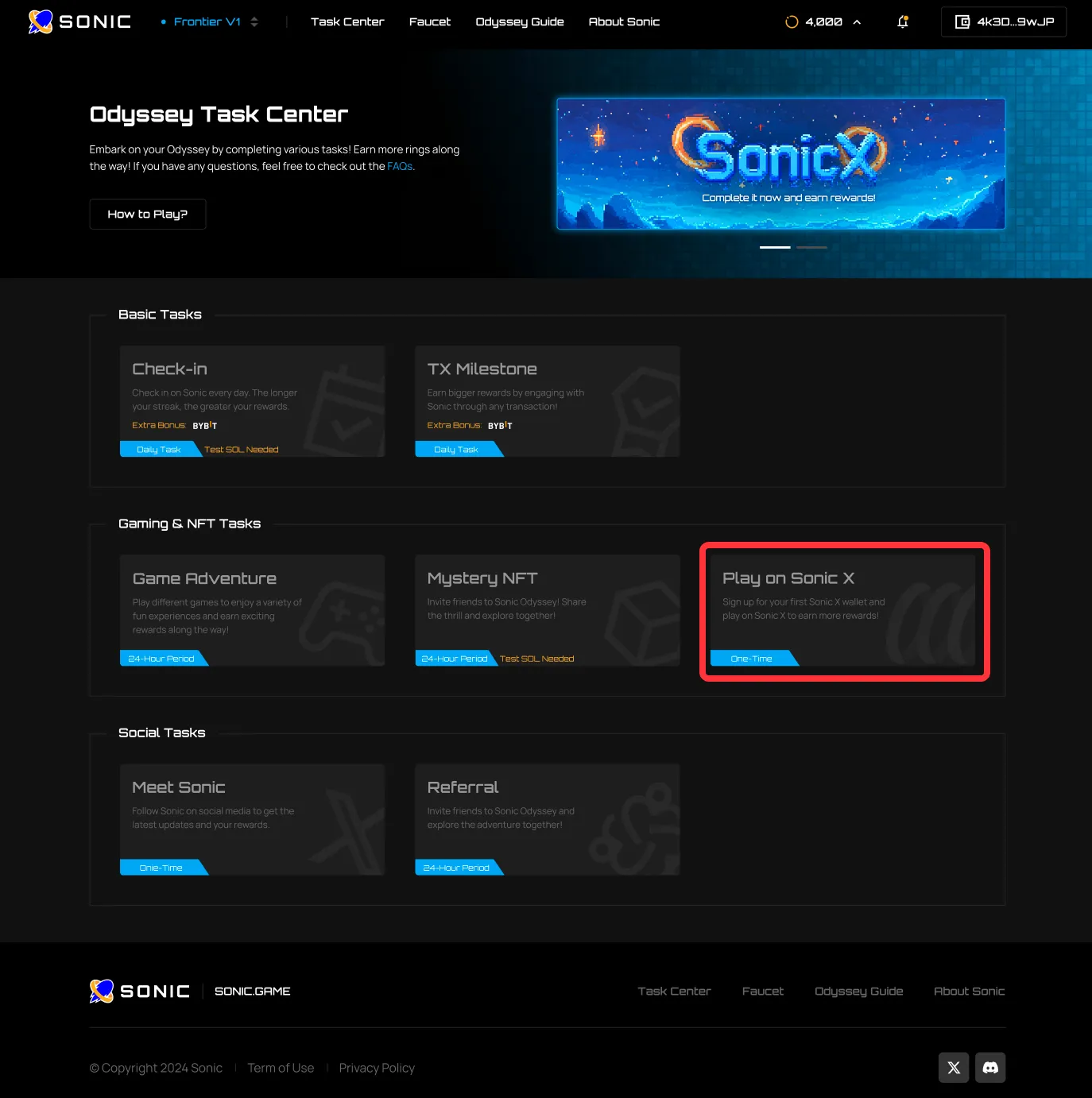
Step 1: Click on the Play on Sonic X task.
Step 2: Click on Launch Now.
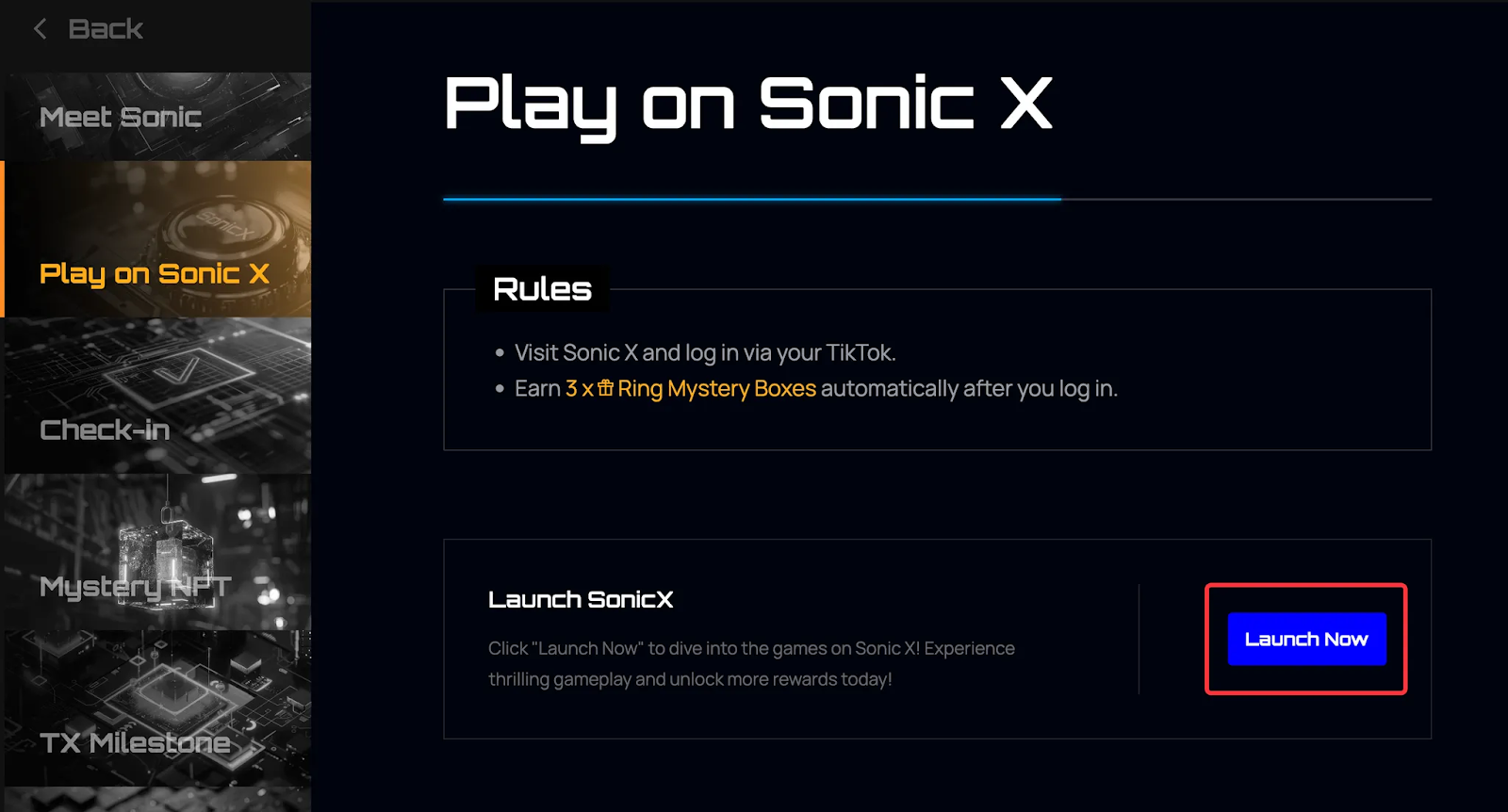
Step 3: Sign up for Sonic X via TikTok to complete the task.
Task 3: Transaction Milestone: 10 Transactions
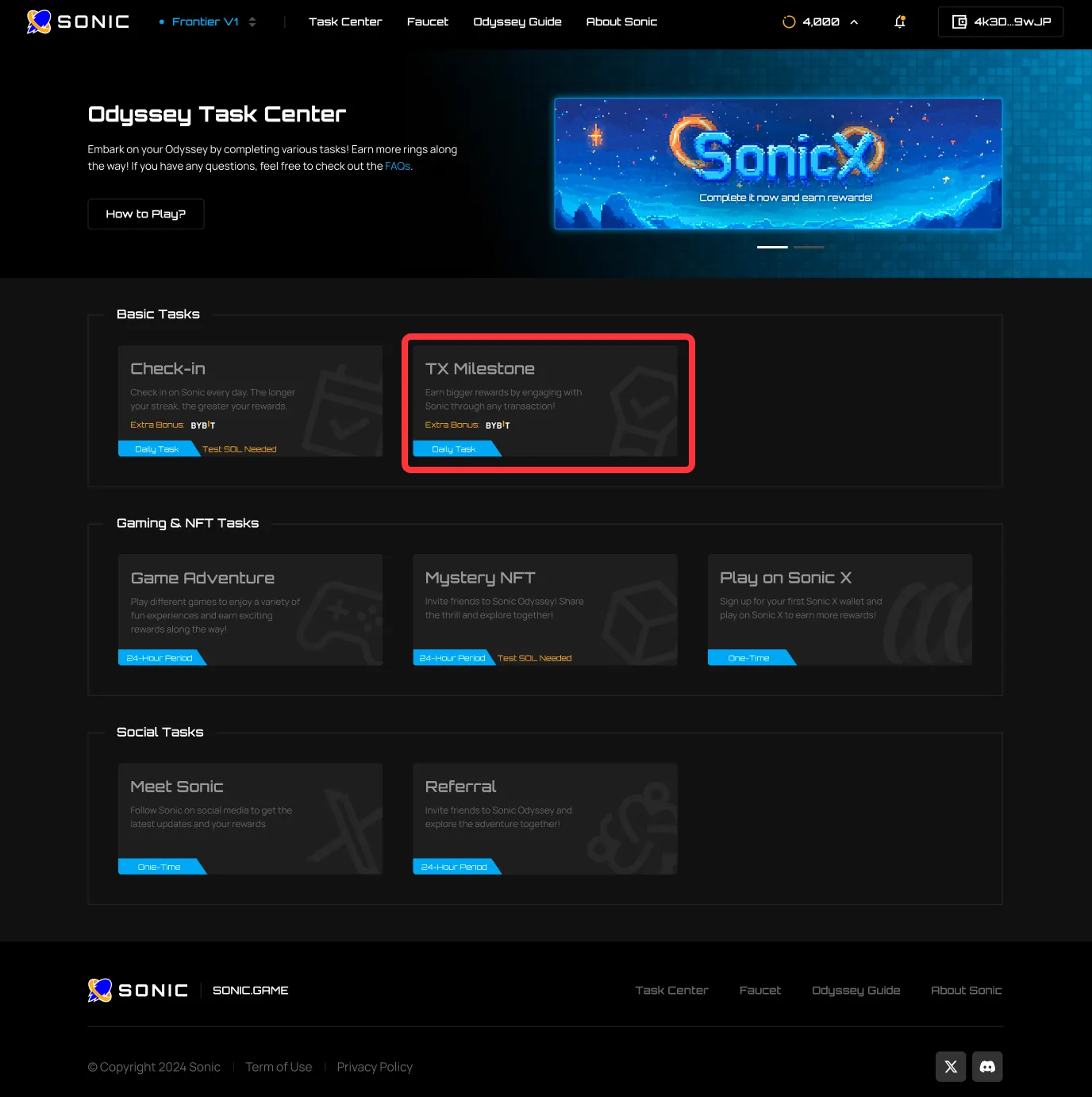
Step 1: Click on the TX Milestone task.
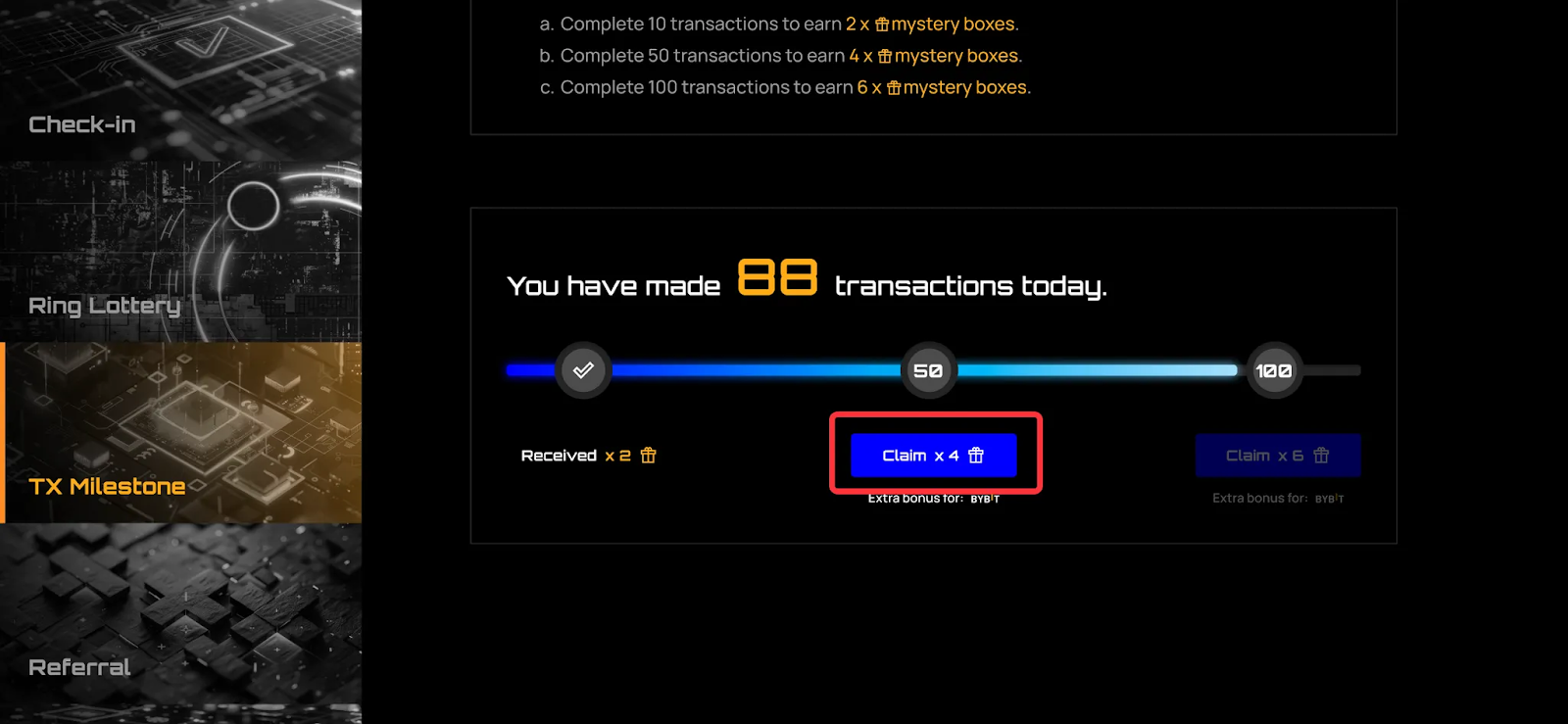
Step 2: Complete your milestone by making 10 transactions on the Sonic Testnet Frontier V1.
#LearnWithBybit
Grab Up to 100 USDT in Rewards
Also, enjoy 555% APR on Bybit Earn products!