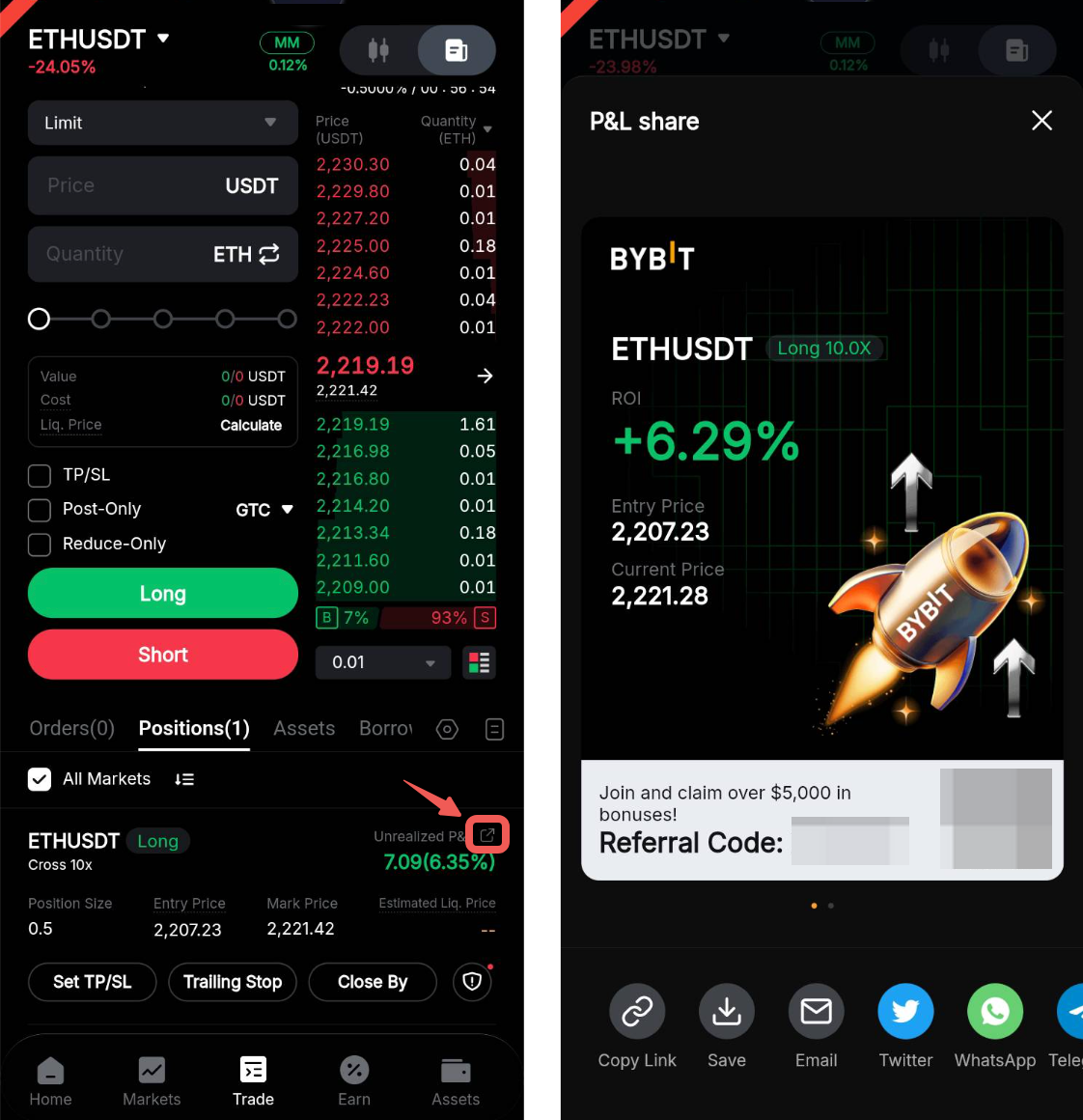
Here’s a step-by-step guide to generating your trade summary card.
Step 1: Log in to your Bybit account.
Step 2: On your app homepage, click on Trade.
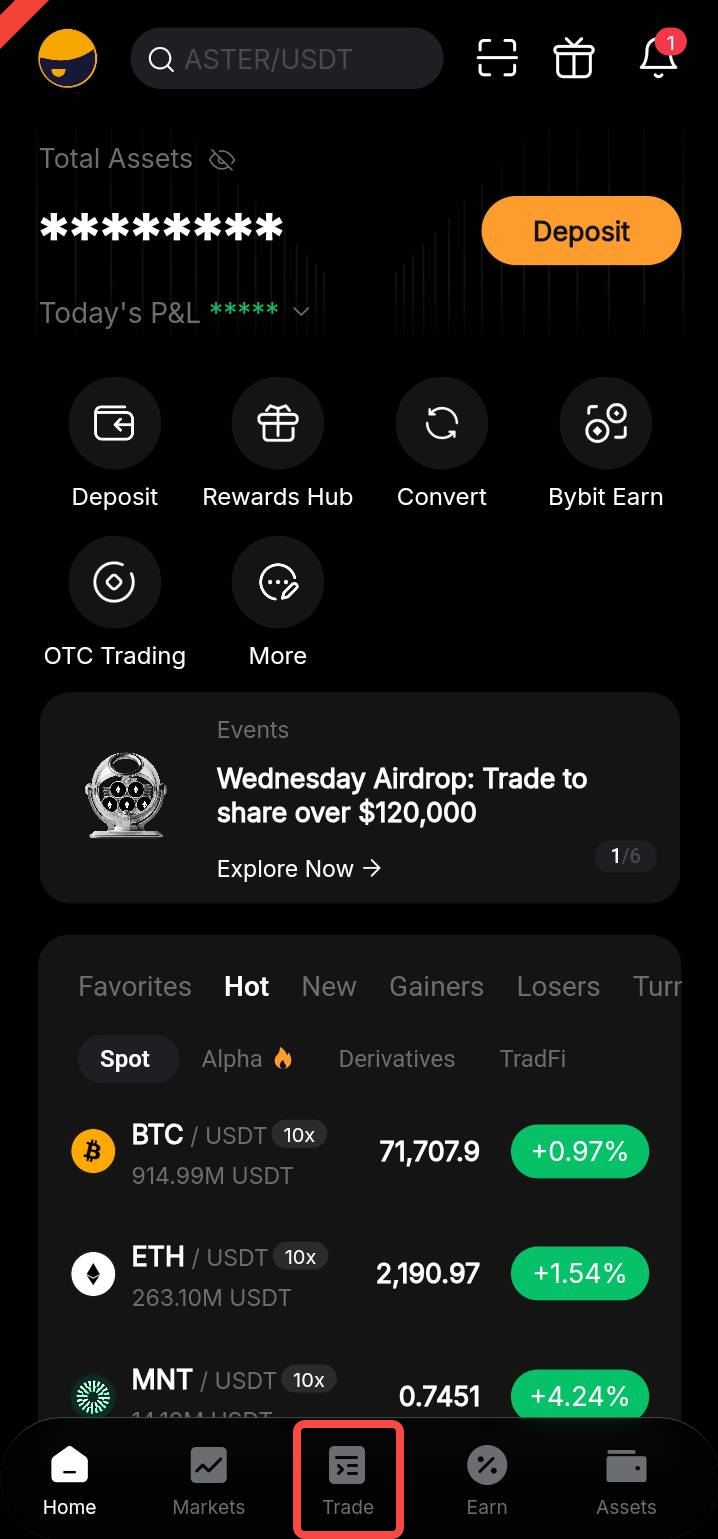
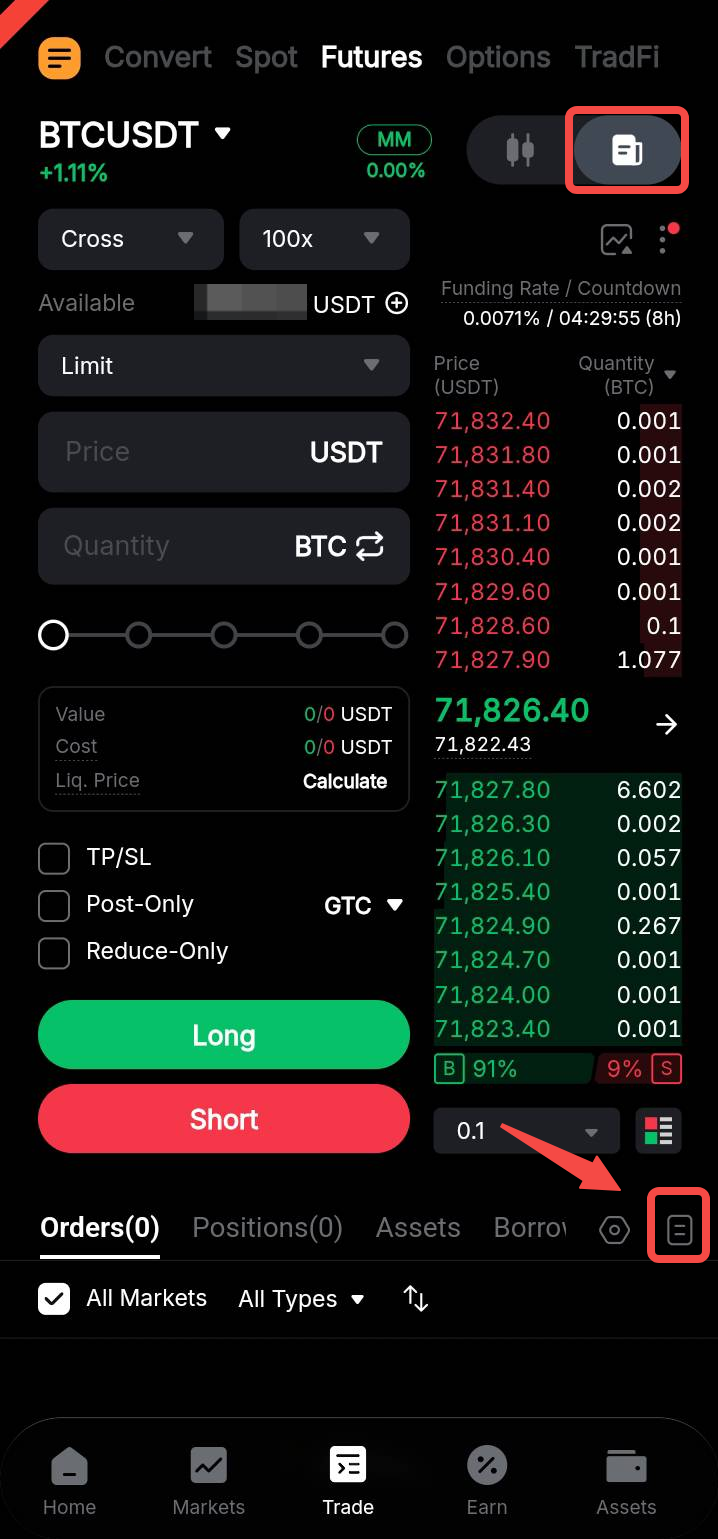
Step 2: Click on Trade → All Orders.
Step 3: Click on P&L followed by the Share icon.
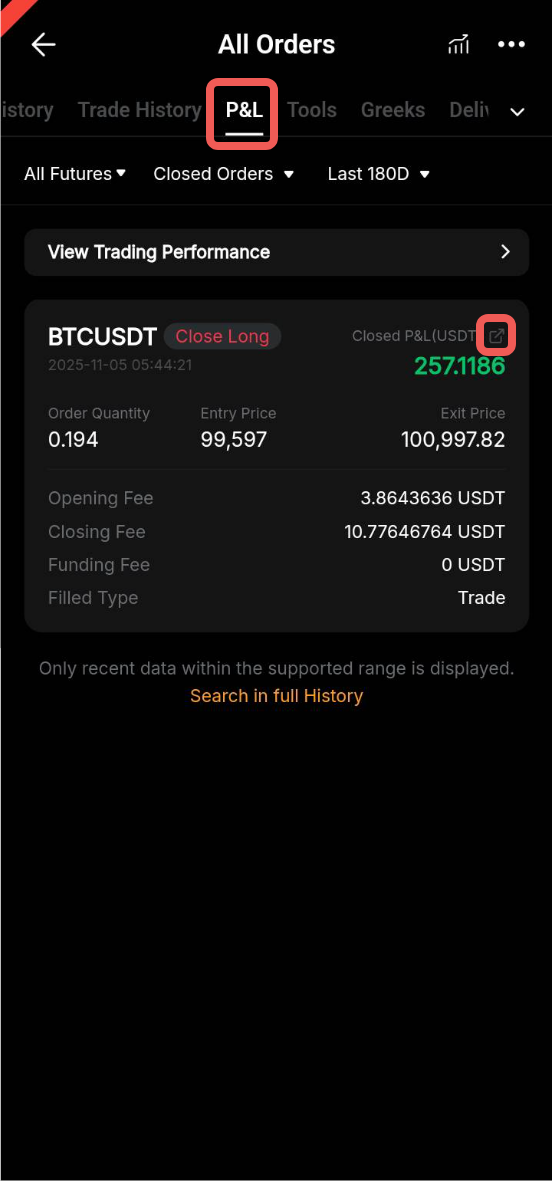
Step 4: You may now share your Trade Summary Card.
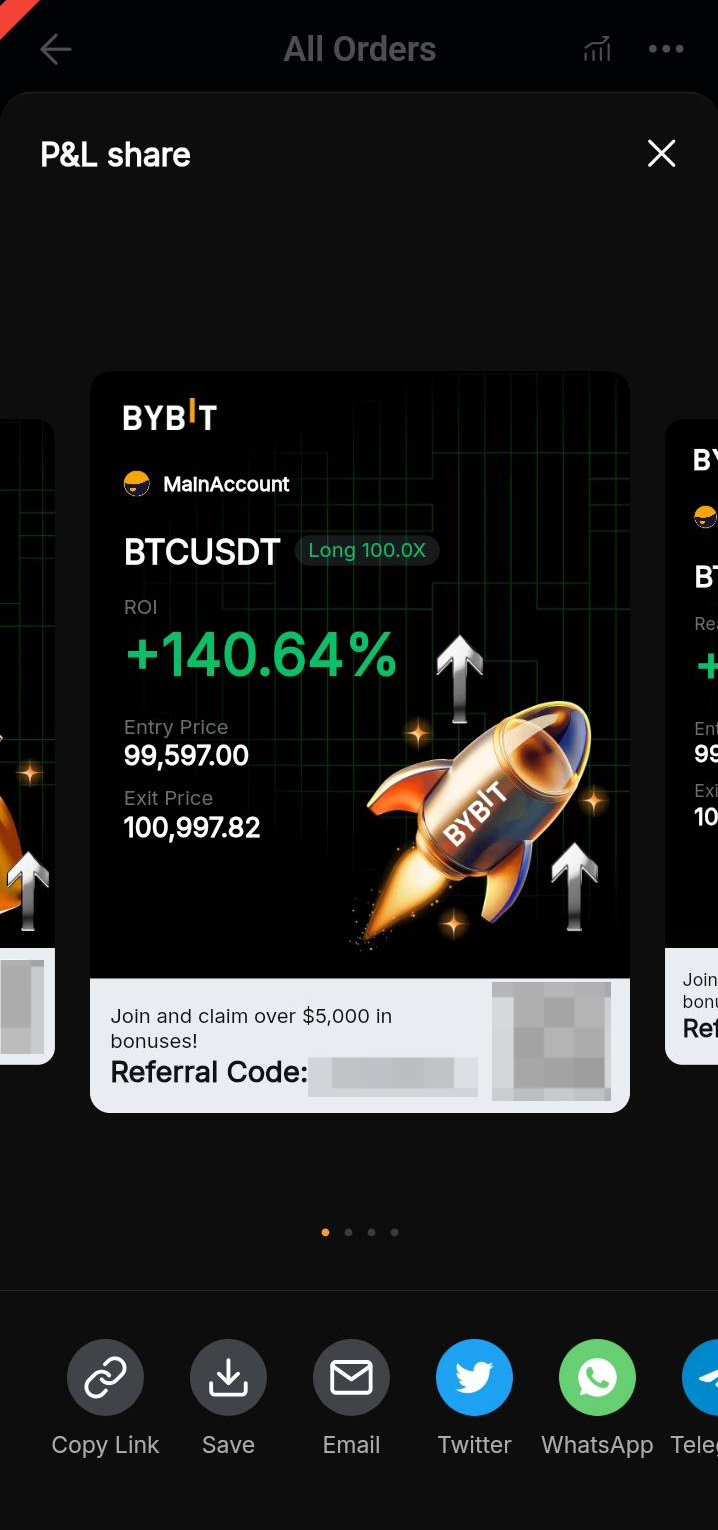
You can also share your current open position P&L by going to the position table below the chart and order zone and clicking on the Share icon next to your current unrealized P&L figure.